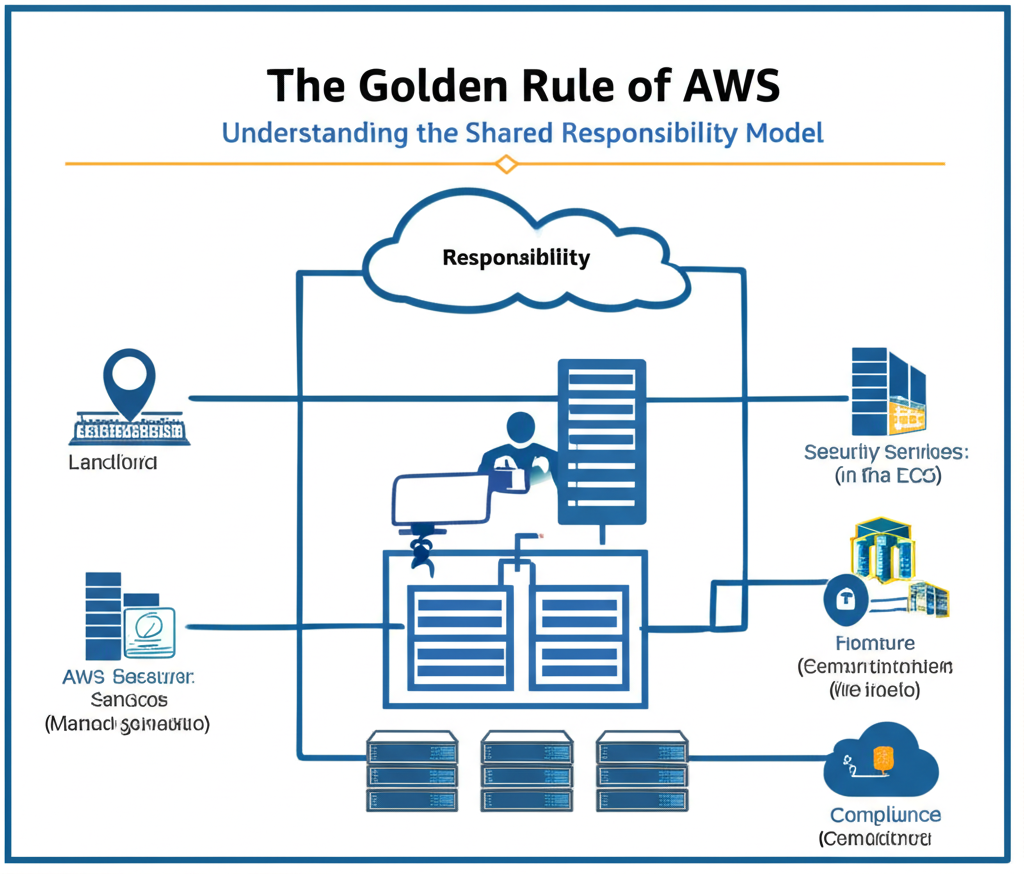
The Golden Rule of AWS: Understanding the Shared Responsibility Model
Thinking about moving to the cloud? That’s fantastic! Amazon Web Services (AWS) offers a powerful and flexible platform for all sorts of applications and workloads. But before you dive in, there’s one fundamental concept you absolutely must grasp: the Shared Responsibility Model.
Think of it as the golden rule of using AWS. Understanding it will save you headaches, ensure your security, and help you make the most of the cloud.
So, what exactly is this “shared responsibility”?
Simply put, it means that when you use AWS, both you (the customer) and AWS have responsibilities for the security and operation of your cloud environment. It’s not a case of AWS taking care of everything, nor is it all on your shoulders. It’s a partnership.
Let’s break it down with a simple analogy:
Imagine renting an apartment.
- The Landlord (AWS): Is responsible for the underlying structure of the building – the foundation, the walls, the roof, the plumbing, and the electrical system. They also manage the overall security of the building, like the front door locks and security cameras in common areas.
-
The Tenant (You): Is responsible for everything inside your apartment – your furniture, your belongings, the cleanliness, and most importantly, ensuring your own security by locking your apartment door.
Applying this to AWS:
AWS takes responsibility for the security of the cloud. This includes:
- The physical infrastructure (data centers, servers, network devices).
- The underlying services that power AWS (compute, storage, databases, etc.).
- The global network infrastructure.
You, the customer, take responsibility for the security in the cloud. This includes:
- Your applications and data.
- Configuring your security settings (firewalls, access controls, encryption).
- Managing your operating systems and software.
- Protecting your AWS account credentials.
Here’s a table summarizing the key responsibilities:
| Responsibility Area | AWS Responsibility (Security of the Cloud) | Your Responsibility (Security in the Cloud) |
|---|---|---|
| Physical Infrastructure | Yes | No |
| Global Network Infrastructure | Yes | No |
| AWS Services | Yes | Configuration and Management |
| Operating Systems (in EC2) | No | Yes |
| Applications | No | Yes |
| Data | No | Yes (Encryption, Integrity, Availability) |
| Network Configuration | Partial (e.g., VPC) | Yes (Security Groups, NACLs) |
| Identity and Access Management | Partial (Underlying IAM Service) | Yes (User Permissions, Roles, Policies) |
| Customer Data | No | Yes |
Why is this model important?
Understanding the Shared Responsibility Model is crucial for several reasons:
- Security: It clarifies who is responsible for what, preventing gaps in your security posture.
- Compliance: It helps you understand your compliance obligations in the cloud.
- Cost Optimization: Knowing your responsibilities can influence how you design and manage your cloud environment, potentially saving costs.
- Operational Efficiency: It allows you to focus on your core business while AWS manages the underlying infrastructure.
In conclusion, the Shared Responsibility Model is the cornerstone of working effectively and securely with AWS. By understanding where AWS’s responsibilities end and yours begin, you can build a robust, secure, and efficient cloud environment. So, remember the golden rule: AWS secures the cloud, and you secure what’s in the cloud!