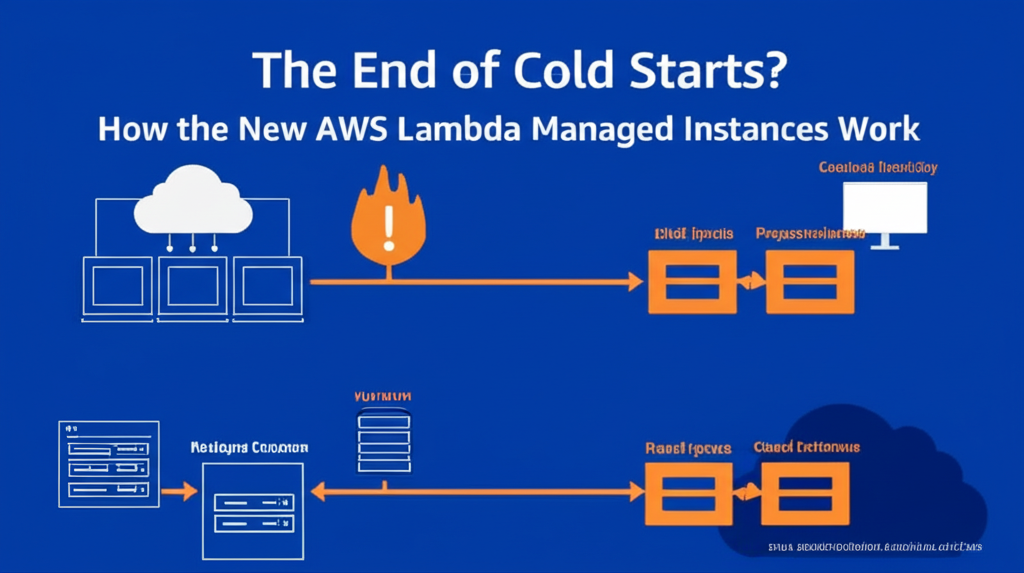
Have you ever used an AWS Lambda function and noticed a slight delay the first time it runs after a period of inactivity? That’s a “cold start” in action. It happens because AWS needs to spin up the execution environment for your code. While usually quick, these cold starts can sometimes impact the responsiveness of your applications, especially those that need to react instantly.
What are Cold Starts?
Think of a Lambda function like a reserved meeting room. When you need to use it, it’s generally ready. However, if the room hasn’t been used in a while (inactivity), someone needs to come in, turn on the lights, set up the projector, etc. This setup time is the “cold start.”
In technical terms, a cold start occurs when AWS Lambda needs to:
- Find a virtual machine (an execution environment).
- Initialize that environment.
- Download your function’s code.
- Start the runtime for your chosen language (like Python, Node.js, Java).
All this takes a little bit of time, resulting in that initial delay. Subsequent requests to the same function within a short period usually reuse this already-initialized environment, leading to much faster execution times (known as “warm starts”).
The Challenge of Cold Starts
For many applications, cold starts are not a major concern. But for latency-sensitive applications like:
- Interactive web applications
- Real-time data processing
- APIs with strict response time requirements
even a short delay can negatively impact the user experience.
Enter AWS Lambda Managed Instances: A Potential Game Changer
AWS has introduced a new feature called “Managed Instances” to tackle the cold start problem. While the specifics are still evolving (and may vary depending on the region and configuration), the core idea is to have pre-initialized execution environments ready to go for your Lambda functions.
How Do Managed Instances Work (The General Idea)?
Instead of creating an environment from scratch every time after inactivity, AWS maintains a pool of these “Managed Instances” that are kept in a ready state. When your Lambda function is invoked, it can potentially be routed to one of these already-warm instances, significantly reducing or even eliminating the cold start delay.
Key Benefits of Managed Instances (Potential):
- Reduced Cold Starts: The primary goal is to minimize or eliminate the latency caused by cold starts.
- Improved Responsiveness: Applications that rely on Lambda for critical tasks can become more responsive and provide a better user experience.
- More Predictable Performance: By reducing the variability introduced by cold starts, you can expect more consistent execution times for your Lambda functions.
Things to Keep in Mind:
- Availability and Configuration: The availability and specific configuration options for Managed Instances might vary. Keep an eye on AWS announcements for the latest details in your region.
- Cost Implications: While Managed Instances can improve performance, it’s essential to understand any potential cost implications associated with this feature. AWS will likely provide pricing details as the feature becomes more widely available.
- Not a Silver Bullet for All Cold Starts: While Managed Instances aim to mitigate cold starts after inactivity, initial cold starts (e.g., after a new deployment or a significant scaling event) might still occur.
In Conclusion:
AWS Lambda Managed Instances represent an exciting step towards addressing the challenges of cold starts. By potentially keeping execution environments pre-initialized, this feature promises to enhance the performance and responsiveness of serverless applications built with Lambda, especially those with stringent latency requirements. As this feature evolves, it’s crucial to stay informed about its availability, configuration, and cost implications to determine how it can best benefit your specific use cases. The era of noticeable cold starts might be drawing to a close, paving the way for even more seamless and performant serverless experiences.