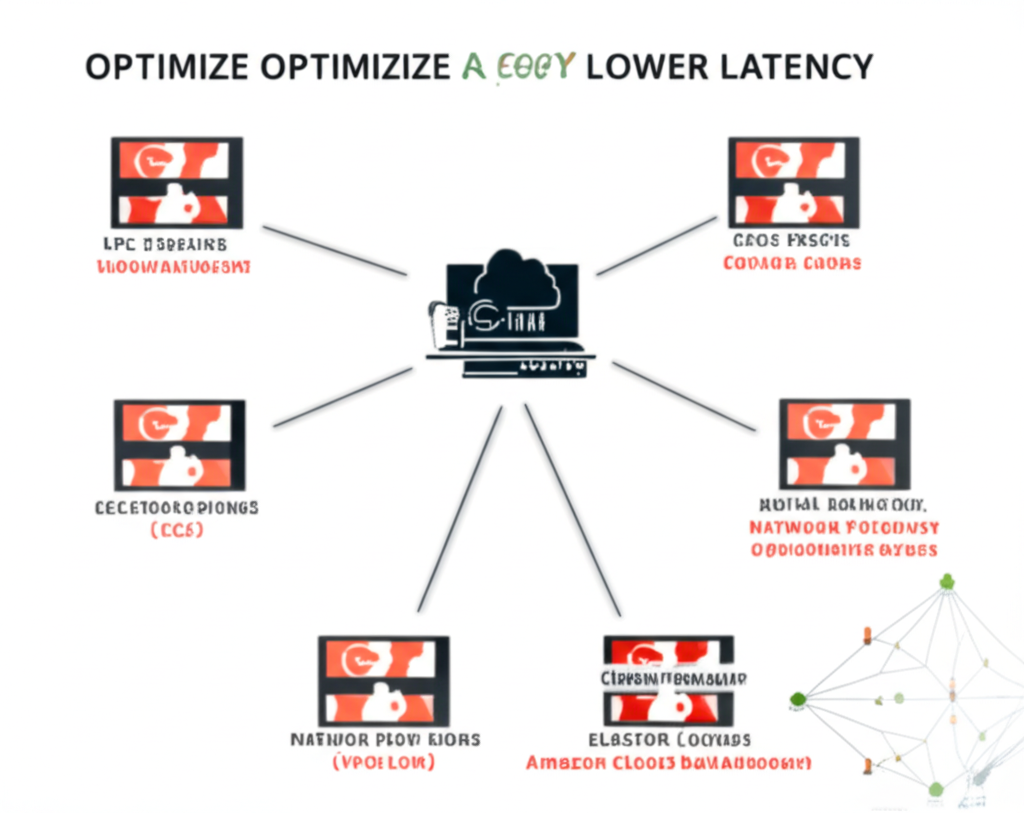
Okay, here’s a blog post on optimizing AWS networking latency, followed by an image representing the topic.
From Slow to Pro: 6 Steps to Optimize Your AWS Networking Latency
Ever feel like your AWS applications are stuck in traffic? Network latency – the delay in data transfer – can significantly impact user experience and application performance. The good news is that AWS provides a robust infrastructure and various tools to help you minimize this latency and get your applications running smoothly.
This post will guide you through six practical steps you can take to optimize your AWS networking latency, using simple language and clear explanations. Let’s get started!
1. Choose the Right Region, Geographically Speaking
Think of AWS Regions as different neighborhoods across the globe where AWS infrastructure is located. The closer your users are to your chosen Region, the faster the data can travel.
- What to do: Select the AWS Region that is geographically closest to your primary user base. AWS offers Regions across the Americas, Europe, Asia Pacific, and more.
- Why it helps: Reduces the physical distance data needs to travel, directly lowering latency.
2. Leverage Availability Zones (AZs) Wisely
Within each Region, AWS provides multiple isolated Availability Zones. These are physically separate data centers. While you should deploy your application across multiple AZs for high availability, be mindful of cross-AZ communication.
- What to do: When deploying resources that need to communicate frequently (like application servers and databases), keep them within the same Availability Zone whenever possible.
- Why it helps: Communication within the same AZ has lower latency compared to communication across different AZs.
3. Embrace Amazon CloudFront for Content Delivery
If your application serves static content (images, videos, CSS, JavaScript), Amazon CloudFront is your best friend. It’s a Content Delivery Network (CDN) that caches your content in edge locations worldwide – servers closer to your users.
- What to do: Integrate CloudFront with your application origin (e.g., S3 bucket, EC2 instance, Elastic Load Balancer). CloudFront will automatically serve cached content from the nearest edge location to your users.
- Why it helps: Dramatically reduces latency for static content delivery, as users fetch data from geographically closer servers.
4. Keep Your Compute and Data Close with Placement Groups
For latency-sensitive applications that require low network latency and high throughput between instances (like high-performance computing or tightly coupled microservices), consider using Placement Groups within a single Availability Zone.
- What to do: Launch your EC2 instances within a Cluster Placement Group. AWS places these instances in close proximity within the same AZ.
- Why it helps: Provides the lowest latency and highest bandwidth network connection possible between instances in the same AZ. Be aware of potential capacity limitations when using placement groups.
5. Optimize Your Network Configuration
AWS provides various networking services, and configuring them correctly is crucial for minimizing latency.
- What to do:
- Virtual Private Cloud (VPC): Ensure your VPC is correctly configured with appropriate subnet sizing and routing rules.
- Security Groups: While essential for security, overly complex or restrictive security group rules can sometimes introduce slight latency. Review and optimize your rules.
- Network ACLs: Similar to security groups, ensure your Network ACLs are configured efficiently.
- Elastic Load Balancer (ELB): Choose the appropriate ELB type (Application Load Balancer, Network Load Balancer) based on your application needs. Network Load Balancers offer higher performance and lower latency for TCP and UDP traffic.
- Why it helps: Efficient network configurations ensure smooth and fast traffic flow within your AWS environment.
6. Monitor and Measure Your Latency
You can’t optimize what you don’t measure. AWS provides tools to monitor your network performance and identify potential latency issues.
- What to do:
- Amazon CloudWatch: Use CloudWatch metrics like
NetworkLatencyfor your EC2 instances andTotalLatencyfor your Load Balancers to track network performance over time. - VPC Flow Logs: Enable VPC Flow Logs to capture information about the IP traffic going to and from network interfaces in your VPC. This can help you identify traffic patterns and potential bottlenecks.
- AWS X-Ray: For distributed applications, X-Ray helps you trace requests as they travel through your different services, allowing you to pinpoint where latency might be occurring.
- Amazon CloudWatch: Use CloudWatch metrics like
- Why it helps: Continuous monitoring provides insights into your network performance, allowing you to identify areas for further optimization and track the impact of your changes.
Moving Towards Lower Latency
Optimizing network latency is an ongoing process. By implementing these six steps and continuously monitoring your network performance, you can significantly improve the responsiveness and overall user experience of your AWS applications. Remember to test your changes thoroughly to ensure they have the desired effect and don’t introduce any new issues. Happy optimizing!