ECS Express Mode: From Docker Image to Production in 3 Clicks
Tired of complex configurations and lengthy deployments? Want to get your containerized applications up and running on AWS quickly and easily? Then say hello to ECS Express Mode! This new deployment option for Amazon Elastic Container Service (ECS) is designed to streamline the process of taking your Docker image from development to production in just a few clicks.
In this blog post, we’ll explore what ECS Express Mode is, how it simplifies application deployment, and why it’s a game-changer for developers.
What is ECS Express Mode?
ECS Express Mode is a simplified deployment experience within the Amazon ECS console. It allows you to deploy a containerized application directly from a Docker image in Amazon Elastic Container Registry (ECR) or other public registries. The key benefit? It handles much of the underlying infrastructure setup for you, so you can focus on your application.
Think of it as the “easy button” for deploying containerized applications on AWS.
The Traditional ECS Deployment: More Moving Parts
Traditionally, deploying an application on ECS involves several steps, including:
- Creating an ECS cluster.
- Defining task definitions (specifying container configurations, resources, etc.).
- Setting up service configurations (desired number of tasks, load balancing, etc.).
- Configuring networking (VPC, subnets, security groups).
While this provides granular control, it can be overwhelming for users who want a quicker path to deployment, especially for simpler applications or initial setups.
ECS Express Mode: Simplicity at its Finest
ECS Express Mode simplifies this process significantly. It abstracts away much of the underlying infrastructure configuration and provides sensible defaults, allowing you to deploy your application with minimal input.
The 3 Clicks to Production:
Let’s break down the incredibly simple deployment process:
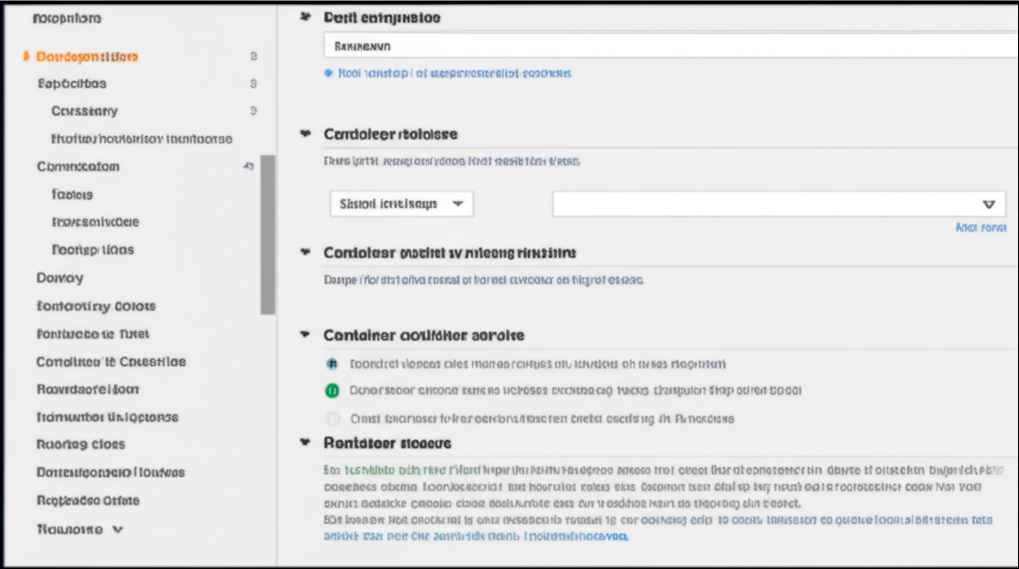
- Specify Your Container: In the ECS console, you select the “Deploy new resources” option and choose “Container”. Then, you simply provide the location of your Docker image (e.g., an ECR repository URL). ECS Express Mode will automatically pull basic information about your container.
-
Configure Your Application: You’ll be prompted with a simplified configuration screen. Here, you can:
- Specify the number of desired tasks (instances of your container).
- Optionally configure basic networking settings (like whether to expose your application publicly).
- Set basic resource limits for your container.
- Deploy! With a final click, ECS Express Mode provisions the necessary infrastructure (including an ECS cluster if you don’t already have one, task definitions, and a service) and deploys your application.
Behind the Scenes (Simplified Infrastructure):
While you only make a few clicks, ECS Express Mode intelligently provisions the following for you:
- ECS Cluster (if needed): A managed cluster to run your containers.
- Task Definition: A blueprint for how your container should run.
- ECS Service: Ensures that the desired number of container instances are running and healthy.
- Networking: Sets up basic VPC, subnet, and security group configurations to allow your application to run.
Why Choose ECS Express Mode?
- Speed and Simplicity: Get your applications live faster with a drastically reduced deployment process.
- Ideal for Beginners: New to containers or AWS? ECS Express Mode offers an accessible entry point.
- Perfect for Prototypes and Simple Applications: Quickly deploy and test ideas without getting bogged down in complex configurations.
- Reduced Operational Overhead: AWS manages more of the underlying infrastructure, freeing up your time.
- Cost-Effective for Small Deployments: The simplicity can translate to quicker setup and potentially lower initial costs.
Limitations to Keep in Mind:
While ECS Express Mode is fantastic for its simplicity, it’s important to be aware of its limitations:
- Limited Configuration Options: It offers fewer granular control options compared to the standard ECS deployment process. For complex networking, load balancing, or security requirements, you might need to switch to the standard mode after the initial deployment.
- Opinionated Defaults: ECS Express Mode makes certain assumptions about your application’s needs. While these defaults are generally sensible, they might not fit every use case.
Moving Beyond Express Mode:
The beauty of ECS is its flexibility. If your application’s needs grow or become more complex, you can easily transition from an ECS Express Mode deployment to the standard ECS configuration to gain more control over every aspect of your infrastructure.
Conclusion:
ECS Express Mode is a welcome addition to the AWS container ecosystem. It provides a fast, easy, and intuitive way to deploy containerized applications from Docker images to production in just three clicks. Whether you’re a beginner exploring containers on AWS or an experienced developer looking for a quicker deployment method for simpler applications, ECS Express Mode is definitely worth exploring. It significantly lowers the barrier to entry and lets you focus on what matters most: your application.
So, go ahead and give ECS Express Mode a try! You might be surprised at how quickly you can get your Docker containers running in the cloud.