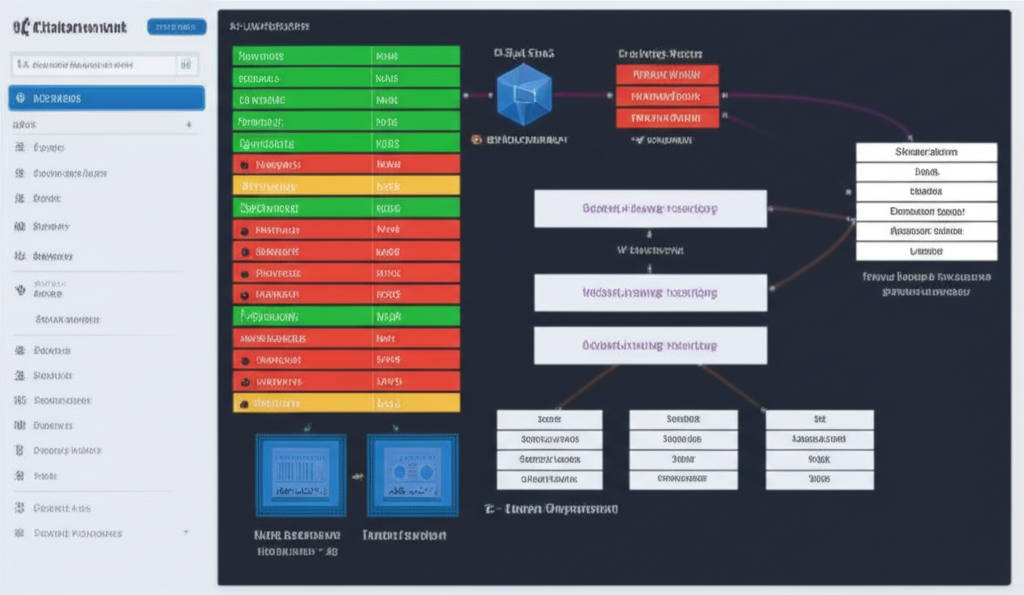
Kubernetes is a powerful platform for managing containerized applications, and at its heart lies the crucial process of scheduling and deployment. Understanding how Kubernetes handles these tasks is essential for anyone working with it, whether you’re just starting out or have some experience under your belt. In this post, we’ll break down Kubernetes scheduling and deployment strategies in a clear and easy-to-understand way.
What is Kubernetes Scheduling?
Imagine you have a bunch of tasks (your application containers) that need to be run on a set of available workers (your nodes in the Kubernetes cluster). Kubernetes scheduling is the process of deciding which node is the best place to run each of these tasks. The kube-scheduler, a core Kubernetes component, is responsible for this decision-making.
It considers various factors when scheduling a pod (a group of one or more containers):
- Resource Requirements: Each pod can specify how much CPU and memory it needs. The scheduler ensures that the chosen node has enough available resources.
- Node Affinity and Anti-Affinity: You can guide the scheduler to place a pod on a specific node (affinity) or to avoid placing it on a specific node (anti-affinity). This is useful for things like ensuring co-location of related services or spreading out replicas for higher availability.
- Taints and Tolerations: Nodes can have taints, which mark them as unsuitable for certain pods. Pods can have tolerations, which allow them to be scheduled on nodes with matching taints. This is often used for dedicated nodes.
- Node Selectors and Labels: You can use labels to organize your nodes and then use node selectors in your pod specification to target specific groups of nodes.
In essence, the kube-scheduler acts like a highly efficient resource manager, constantly working to optimize the placement of your application components within the cluster.
Kubernetes Deployment Strategies
Once Kubernetes knows where to run your application (thanks to scheduling), the next important aspect is how to update or roll out new versions of your application. Kubernetes Deployments provide declarative updates for Pods and ReplicaSets. They allow you to describe the desired state of your application, and the Deployment controller changes the actual state to the desired state at a controlled rate.
Here are some common deployment strategies:
- Rolling Update: This is the default strategy. It gradually replaces the old version of your application with the new version by incrementally updating pods. This minimizes downtime and allows you to catch issues early. You can configure the maximum number of pods that can be unavailable during the update (
maxUnavailable) and the maximum number of new pods that can be created above the desired number (maxSurge).- Example: You have 10 instances of your application running. A rolling update might bring up 2 new instances of the new version, wait for them to become healthy, and then take down 2 old instances, repeating this process until all instances are updated.
- Recreate: This strategy simply terminates all existing pods of the old version and then creates new pods with the new version. This results in a short period of downtime during the transition.
- Use Case: This might be suitable for applications where a clean start is necessary and a brief downtime is acceptable.
- Blue/Green Deployment: This strategy involves running two identical environments, the “blue” (current version) and the “green” (new version). Once the green environment is fully up and running and tested, you switch traffic from the blue to the green environment, often by updating a Service’s selectors. If any issues arise, you can quickly rollback by switching traffic back to the blue environment.
- Benefits: Low downtime and easy rollback.
- Considerations: Requires double the resources as you are running two full environments simultaneously.
- Canary Deployment: This strategy involves rolling out the new version to a small subset of users (the “canary”) before rolling it out to the entire user base. This allows you to test the new version in a production environment with real traffic and identify any potential issues with minimal impact. If the canary deployment is successful, you can then proceed with a full rolling update.
- Benefits: Reduced risk and ability to test in production with real users.
- Considerations: Requires careful monitoring of the canary instances.
Choosing the Right Strategy
The best deployment strategy for your application depends on several factors, including:
- Downtime Tolerance: How much downtime can your users tolerate?
- Risk Tolerance: How much risk are you willing to take with a new deployment?
- Resource Availability: Do you have enough resources to support strategies like Blue/Green?
- Complexity: How complex is your application and its deployment process?
Understanding these Kubernetes concepts of scheduling and deployment strategies is fundamental to effectively managing and updating your containerized applications. By leveraging the power and flexibility of Kubernetes, you can ensure your applications are running reliably and can be updated seamlessly.