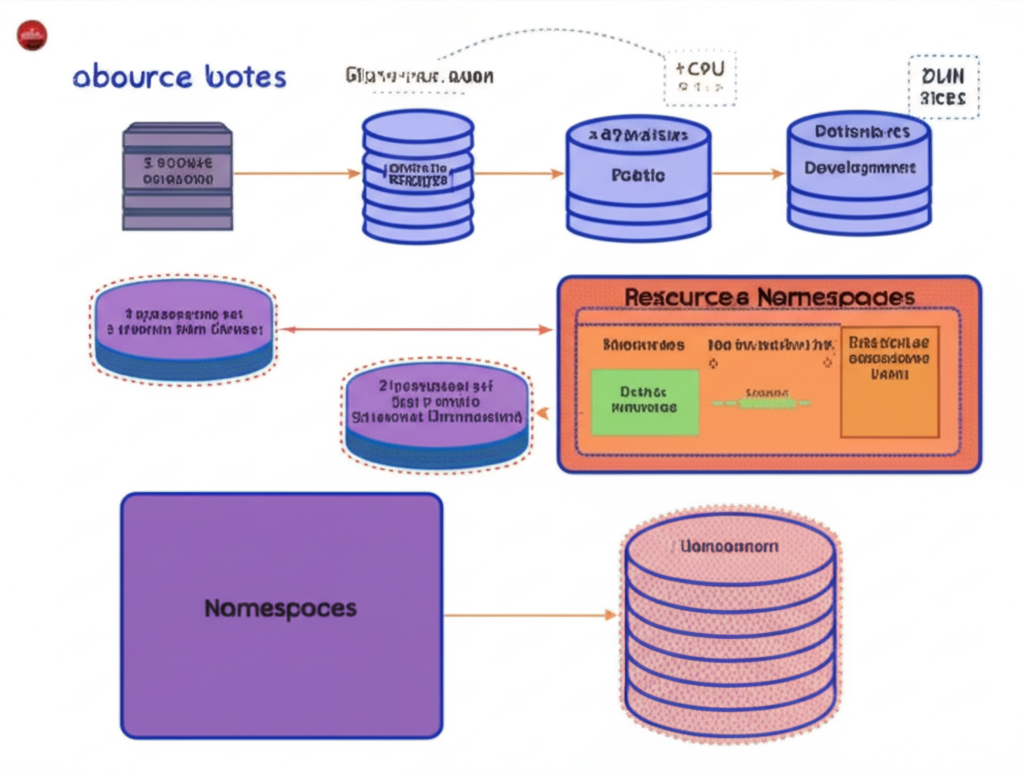
Organizing Your Kubernetes Kingdom: An Introduction to Namespaces and Resource Quotas
Kubernetes is a powerful platform for managing containerized applications at scale. As your Kubernetes cluster grows and hosts more and more applications, keeping things organized and ensuring fair resource allocation becomes crucial. This is where Namespaces and Resource Quotas come into play. Think of them as the organizational tools and budget controllers for your Kubernetes kingdom.
Namespaces: Dividing Your Kingdom into Logical Territories
Imagine a large company with different departments like development, testing, and production. Each department needs its own isolated environment to work effectively without interfering with others. In Kubernetes, Namespaces provide this isolation.
A Namespace is a way to divide a single Kubernetes cluster into multiple virtual clusters. Each Namespace can have its own set of resources like deployments, services, and pods, all isolated from resources in other Namespaces.
Why Use Namespaces?
- Organization: They help you logically group related resources. For example, you can have a
developmentNamespace for development-related workloads and aproductionNamespace for live applications. - Isolation: Resources within one Namespace are isolated from those in another. This prevents accidental interference and provides better security. For instance, a faulty deployment in the
developmentNamespace won’t bring down your production applications in theproductionNamespace. - Access Control: You can apply Role-Based Access Control (RBAC) policies at the Namespace level, allowing you to control who can access and manage resources within a specific Namespace.
- Resource Management (with Resource Quotas): Namespaces are a fundamental unit for applying Resource Quotas, which we’ll discuss next.
Default Namespaces:
Kubernetes comes with a few default Namespaces:
default: This is where resources are created if you don’t explicitly specify a Namespace. It’s generally a good practice to avoid using thedefaultNamespace for production workloads.kube-system: This Namespace holds resources that are managed by the Kubernetes system itself, like the control plane components.kube-public: This Namespace is readable by all users (including those not authenticated) and is typically used for resources that should be publicly accessible.kube-node-lease: This Namespace is used by kubelet to publish heartbeat signals of the nodes.
Resource Quotas: Setting Budgets for Your Territories
While Namespaces provide logical isolation, Resource Quotas allow you to control the amount of resources that each Namespace can consume. Think of them as setting a budget for each department in our company analogy.
Resource Quotas limit the total consumption of resources within a Namespace. These resources can include:
- CPU and Memory: Limiting the total CPU cores and memory (RAM) that all pods in a Namespace can request or use.
- Number of Objects: Restricting the total number of certain Kubernetes objects that can be created in a Namespace, such as the number of pods, deployments, services, etc.
- Storage: Limiting the total amount of persistent storage that can be requested through PersistentVolumeClaims.
Why Use Resource Quotas?
- Fair Resource Sharing: In a multi-tenant cluster (where multiple teams or applications share the same cluster), Resource Quotas prevent a single Namespace from monopolizing all the available resources, ensuring fair sharing.
- Cost Management: By setting limits on resource consumption, you can better predict and manage your cloud costs.
- Stability: Preventing runaway applications from consuming excessive resources can improve the overall stability and performance of the cluster.
- Planning and Capacity Management: Resource Quotas provide insights into how resources are being used in different Namespaces, aiding in capacity planning.
Putting It All Together: A Practical Example
Let’s say you have a Kubernetes cluster hosting applications for two teams: team-a and team-b. You can create two Namespaces, team-a-ns and team-b-ns, to isolate their resources.
Then, you can define Resource Quotas for each Namespace:
- For
team-a-ns, you might set a quota allowing a maximum of 4 CPU cores and 8GB of memory in total for all its pods, and a maximum of 5 deployments. - Similarly, for
team-b-ns, you might set a quota of 2 CPU cores and 4GB of memory, and a maximum of 3 deployments.
If either team tries to create resources that would exceed their defined quota, Kubernetes will prevent the creation, thus enforcing the limits.
Conclusion
Namespaces and Resource Quotas are fundamental tools for organizing and controlling resources in your Kubernetes cluster. By using Namespaces, you can achieve logical isolation and better organization. Resource Quotas enable you to enforce limits on resource consumption, ensuring fair sharing, cost management, and cluster stability. Understanding and utilizing these concepts is essential for managing Kubernetes effectively, especially as your deployments become more complex and involve multiple teams or applications. Start experimenting with them in your development and testing environments to get a hands-on understanding of their benefits!