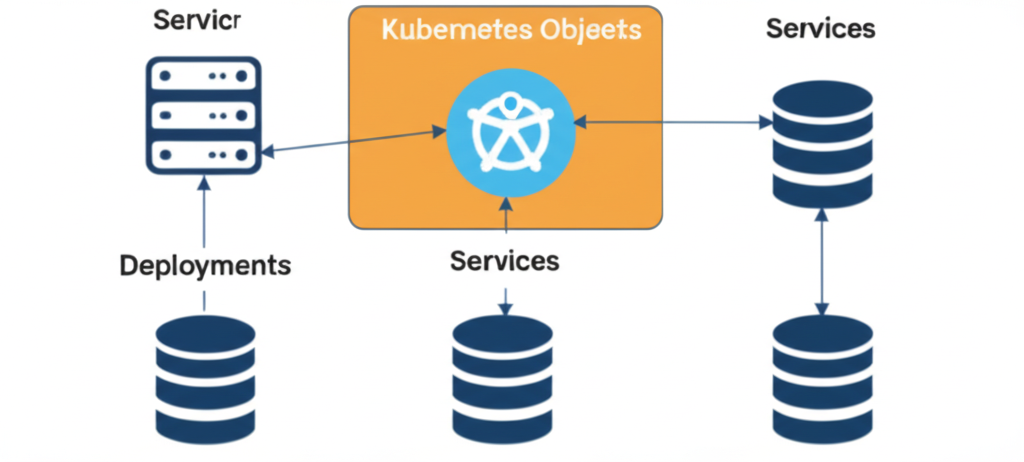
Kubernetes Objects 101: Pods, Deployments, and Services
Welcome to the exciting world of Kubernetes! If you’re diving into container orchestration, understanding Kubernetes objects is absolutely fundamental. Think of these objects as the building blocks of your applications running on Kubernetes. Today, we’ll explore three core objects: Pods, Deployments, and Services. We’ll break down what they are, why they’re important, and how they work together.
1. Pods: The Smallest Unit
Imagine a shipping container. It holds everything your application needs to run: the application code itself, its dependencies (like libraries), and configuration files. In Kubernetes, the equivalent of this container is a Pod.
Key takeaways about Pods:
- Atomic Unit: A Pod is the smallest deployable unit in Kubernetes. You can’t deploy just a container; you always deploy one or more containers inside a Pod.
- Shared Resources: Containers within the same Pod share resources like network and storage. This means they can easily communicate with each other as if they were on the same machine.
- Ephemeral Nature: Pods are designed to be transient. They can be created, deleted, and replaced. Don’t rely on the IP address of a Pod being constant.
Think of it this way: A Pod is a logical grouping of one or more containers that are tightly coupled and should be managed together.
2. Deployments: Managing Your Pods
Now that you understand Pods, let’s talk about how to manage them at scale. Manually creating and deleting individual Pods is not practical for real-world applications. This is where Deployments come in.
Key takeaways about Deployments:
- Declarative Updates: You define the desired state of your application (e.g., the number of replicas, the container image version) in a Deployment manifest. Kubernetes then works to achieve and maintain that state.
- Rolling Updates and Rollbacks: Deployments enable you to update your application without downtime. They can perform rolling updates, gradually replacing old Pods with new ones. If something goes wrong, you can easily rollback to a previous version.
- Self-Healing: If a Pod in a Deployment fails, the Deployment controller will automatically create a new one to maintain the desired number of replicas.
Think of it this way: A Deployment is like a manager that ensures the correct number of your application’s Pods are running and healthy. It takes care of updates and ensures resilience.
3. Services: Exposing Your Application
Your Pods might be running perfectly, but how do users or other applications access them? This is the job of a Service. A Service provides a stable IP address and DNS name to access a set of Pods.
Key takeaways about Services:
- Abstraction Layer: Services decouple the consumers of your application from the individual Pods. Pods can come and go (due to scaling or failures), but the Service endpoint remains the same.
- Load Balancing: Services can distribute traffic across multiple Pods, ensuring that no single Pod is overwhelmed.
- Different Types: Kubernetes offers different types of Services (e.g., ClusterIP, NodePort, LoadBalancer) to expose your application in various ways, depending on your needs.
Think of it this way: A Service is like a receptionist or a load balancer that directs traffic to the correct set of backend Pods. It provides a consistent way to access your application.
Putting It All Together
These three objects work in harmony to run and manage your applications on Kubernetes:
- You define your application’s containers within Pods.
- You use Deployments to manage the desired number of Pod replicas and handle updates.
- You create Services to provide a stable endpoint for accessing the Pods managed by a Deployment.
In essence: Deployments manage Pods, and Services provide access to those Pods.
Conclusion
Understanding Pods, Deployments, and Services is a crucial first step in your Kubernetes journey. They are the fundamental building blocks that enable you to run scalable and resilient applications. As you continue exploring Kubernetes, you’ll see how these core objects interact with other Kubernetes resources to create powerful and flexible orchestration solutions. Keep practicing and experimenting, and you’ll master these concepts in no time!