Demystifying Kubernetes: Pods, Nodes, and Clusters – The Core Building Blocks
Kubernetes, the powerful container orchestration platform, can seem daunting at first glance. But beneath the complex features lies a foundation built upon a few core concepts. Understanding these fundamental building blocks is crucial for anyone venturing into the world of Kubernetes, whether you’re a beginner or looking to solidify your knowledge.
In this post, we’ll break down the essential trio: Pods, Nodes, and Clusters, explaining what they are, how they relate to each other, and why they are so important. Think of them as the essential ingredients in the Kubernetes recipe!
1. Pods: The Smallest Deployable Units
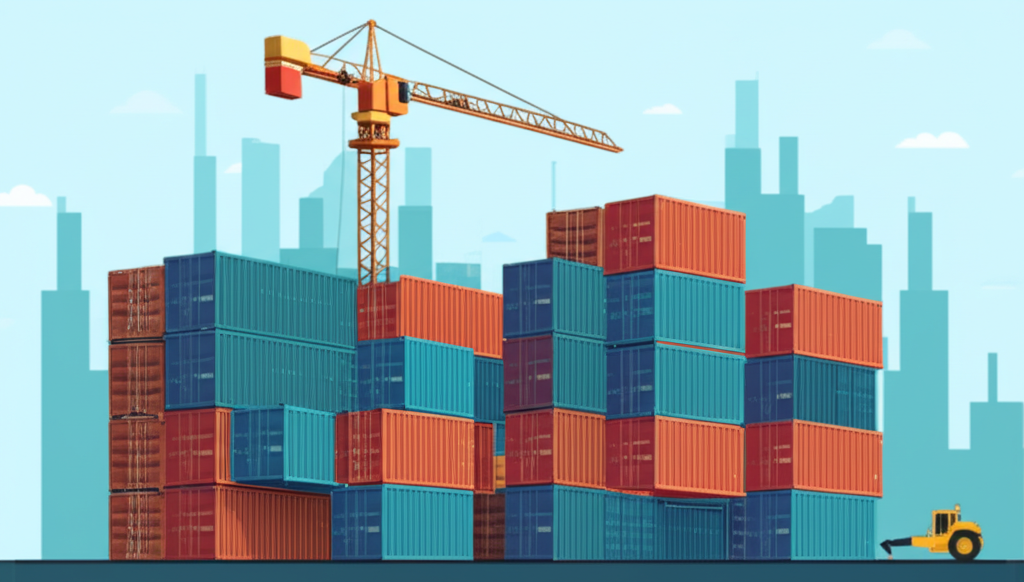
Imagine a shipping container. It holds your application and everything it needs to run: the application code, libraries, environment variables, configuration files, and even storage. In Kubernetes, the equivalent of this shipping container is a Pod.
Key things to know about Pods:
- Single or Multiple Containers: A Pod can contain one or more tightly coupled containers. If you have multiple containers that need to share resources (like storage or network) or work closely together, you’ll group them within a single Pod. For simpler applications, a Pod will usually contain just one container.
- Ephemeral Nature: Pods are designed to be short-lived and can be created, deleted, or replaced dynamically by Kubernetes. Don’t rely on individual Pods for persistent storage or unchanging identities.
- Shared Resources: All containers within a Pod share the same network namespace (meaning they can communicate with each other via
localhost) and can optionally share volumes for storage. - The Abstraction Layer: Kubernetes doesn’t directly manage individual containers; it manages Pods. This provides a higher level of abstraction and allows for more complex application deployments.
Think of it this way: Your application (and its dependencies) gets packaged into a Pod, ready to be deployed and managed by Kubernetes.
2. Nodes: The Workers of the Kubernetes World
Now, where do these Pods actually run? They run on Nodes. A Node is a physical or virtual machine that acts as a worker in your Kubernetes cluster. It’s the machine that has the necessary resources (CPU, memory, network) to execute Pods.
Key things to know about Nodes:
- Kubelet: Each Node runs a crucial agent called the
kubelet. The kubelet is responsible for communicating with the Kubernetes control plane and managing the Pods running on its Node. It ensures that the containers specified in the Pod are running and healthy. - Container Runtime: The Node also needs a container runtime (like Docker or containerd) to actually pull container images and run them.
- Managed by the Control Plane: The Kubernetes control plane (which we’ll touch on shortly) decides which Node is the best place to run a particular Pod, based on resource availability and other constraints.
Think of it this way: Nodes are the workhorses of your Kubernetes cluster, providing the computational power to run your containerized applications within Pods.
3. Clusters: The Orchestration Powerhouse
Finally, we have the Kubernetes Cluster. A cluster is a set of one or more Nodes that are grouped together and managed by the Control Plane. The Control Plane is the brain of the Kubernetes operation, responsible for making global decisions about the cluster, such as scheduling Pods, maintaining the desired state of the system, and handling API requests.
Key components of a typical Kubernetes Control Plane (often running on dedicated master nodes):
- kube-apiserver: The front-end for the Kubernetes control plane. It exposes the Kubernetes API, allowing you and other components to interact with the cluster.
- etcd: A highly available key-value store used to store all of the Kubernetes cluster data, including configuration, state, and metadata.
- kube-scheduler: Responsible for deciding which Node new Pods should run on, taking into account resource requirements, constraints, and other factors.
- kube-controller-manager: Runs various controller processes that regulate the state of the cluster. For example, the Node controller monitors the health of Nodes, and the ReplicaSet controller ensures the desired number of Pod replicas are running.
- cloud-controller-manager (optional): Interacts with the underlying cloud provider’s APIs to manage resources like load balancers and storage volumes (if you’re running on a cloud platform).
Think of it this way: The Kubernetes cluster is the complete orchestration system. The Control Plane directs the worker Nodes, ensuring that your applications (running in Pods) are deployed, scaled, and managed according to your specifications.
Putting It All Together
Imagine a team of construction workers (Nodes) using specialized containers (Pods) carrying different parts of a building. The foreman (Control Plane) manages the entire construction site (Cluster), telling the workers which containers to deploy where and ensuring everything is built according to the blueprint.
- You define your application and its requirements in a Pod.
- Kubernetes schedules these Pods to run on available Nodes within your Cluster.
- The Control Plane continuously monitors the state of your cluster, ensuring the desired number of Pods are running and healthy.
Understanding these three core building blocks – Pods, Nodes, and Clusters – is the foundation for grasping more advanced Kubernetes concepts. As you continue your Kubernetes journey, you’ll see how these fundamental components work together to create a powerful and flexible platform for managing containerized applications at scale. Stay tuned for more Kubernetes explorations!