Inside Kubernetes: A High-Level Architecture Overview
Kubernetes, often abbreviated as K8s, has become the go-to platform for managing containerized applications at scale. But what exactly happens under the hood? While the inner workings can seem complex, understanding the high-level architecture is crucial for effectively using and troubleshooting your Kubernetes clusters.
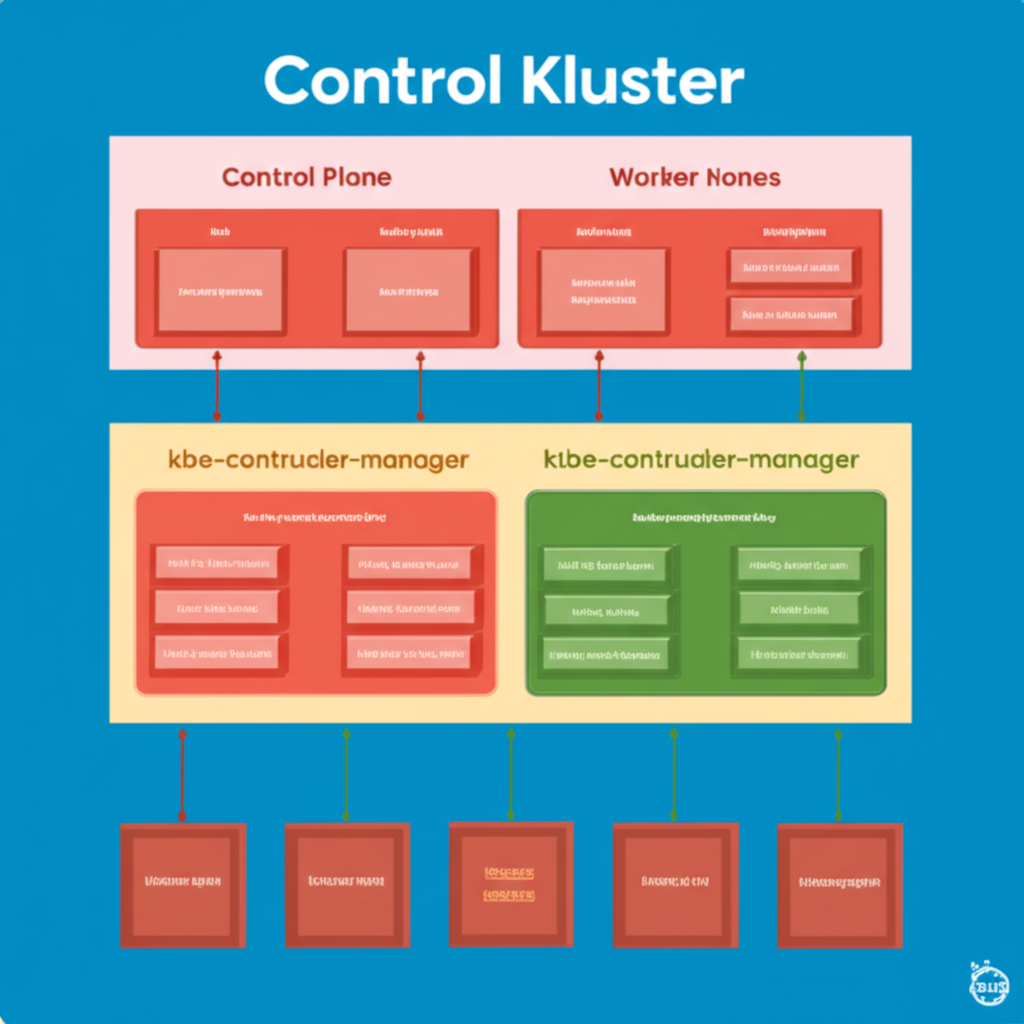
Think of Kubernetes as a distributed system with two main types of nodes: the Control Plane and Worker Nodes. Let’s break down each of these and their key components in simple terms.
1. The Control Plane: The Brain of the Operation
The Control Plane is the central control unit of Kubernetes. It’s responsible for making global decisions about the cluster, such as scheduling applications, maintaining the desired state, and responding to cluster events. Think of it as the brain and nervous system of your Kubernetes cluster. The key components of the Control Plane include:
- kube-apiserver: This is the front-end for the Kubernetes control plane. All interactions with the cluster, whether from you (using
kubectl) or from internal components, go through the API server. It exposes a RESTful API for managing cluster resources. Think of it as the receptionist who handles all requests and directs them accordingly. - etcd: This is a highly reliable and distributed key-value store that acts as Kubernetes’ single source of truth. It stores the configuration data, state of the cluster, and metadata about all the objects. Think of it as the cluster’s memory.
- kube-scheduler: This component is responsible for deciding which worker node a newly created pod (a group of one or more containers) should run on. It considers resource requirements, node availability, policies, and other constraints. Think of it as the logistics manager who assigns tasks to the right workers.
-
kube-controller-manager: This is actually a suite of controller processes that manage the overall state of the system. Each controller is responsible for a specific aspect, such as:
- Node Controller: Monitors the health of worker nodes.
- Replication Controller/ReplicaSet/Deployment Controller: Ensures the desired number of pod replicas are running at all times.
- Endpoints Controller: Populates the Endpoints object (which represents the service’s backend pods).
- Service Account & Token Controllers: Manage service accounts and their associated tokens.
Think of the controller manager as a team of supervisors, each ensuring a specific part of the cluster is functioning as expected.
- cloud-controller-manager (Optional): For clusters running on cloud providers, this component integrates with the cloud provider’s APIs to manage resources like load balancers, storage volumes, and network interfaces. Think of it as the liaison with your cloud environment.
2. Worker Nodes: Where Your Applications Run
Worker nodes are the machines where your actual applications (in the form of containers within pods) are executed. Each worker node runs the necessary services to be managed by the Control Plane. The key components of a worker node include:
- kubelet: This is the agent that runs on each worker node. It receives instructions from the
kube-apiserverregarding which pods should run on its node and manages the lifecycle of these pods and their containers. Think of it as the on-site manager for each worker machine. -
kube-proxy: This is a network proxy that runs on each worker node and implements part of the Kubernetes Service abstraction. It maintains network rules on the nodes, allowing communication to your pods from inside or outside the cluster. Think of it as the network traffic controller on each machine.
-
Container Runtime: This is the underlying software that is responsible for running containers. Common container runtimes include Docker, containerd, and CRI-O. Think of it as the engine that actually runs your containerized applications.
How They Work Together: A Simple Flow
- You (or an automated process) instruct the Kubernetes cluster to run a new application using
kubectl, which communicates with thekube-apiserver. - The
kube-apiserverauthenticates and validates your request, then stores the desired state inetcd. - The
kube-schedulerobserves the new pending pod and decides which worker node is the best fit based on resource availability and other constraints. - The
kube-schedulercommunicates its decision back to thekube-apiserver, which updates the pod’s information inetcd. - The
kubeleton the assigned worker node notices that it has a new pod assigned to it by watching thekube-apiserver. - The
kubeletpulls the necessary container image from a container registry and instructs the container runtime to run the container. kube-proxyon the worker node configures networking rules to ensure the pod can be accessed as needed.- The
kubeletcontinuously reports the status of the pod and its containers back to thekube-apiserver. - The controllers in the
kube-controller-managerconstantly monitor the actual state of the cluster against the desired state stored inetcdand take corrective actions if needed (e.g., restarting failed pods).
Conclusion
Understanding the high-level architecture of Kubernetes provides a solid foundation for working with this powerful platform. By grasping the roles of the Control Plane and Worker Nodes, along with their core components, you’ll be better equipped to deploy, manage, and troubleshoot your containerized applications in a Kubernetes environment. This overview serves as a starting point for diving deeper into the intricacies of each component and how they contribute to the overall resilience and scalability of your applications.