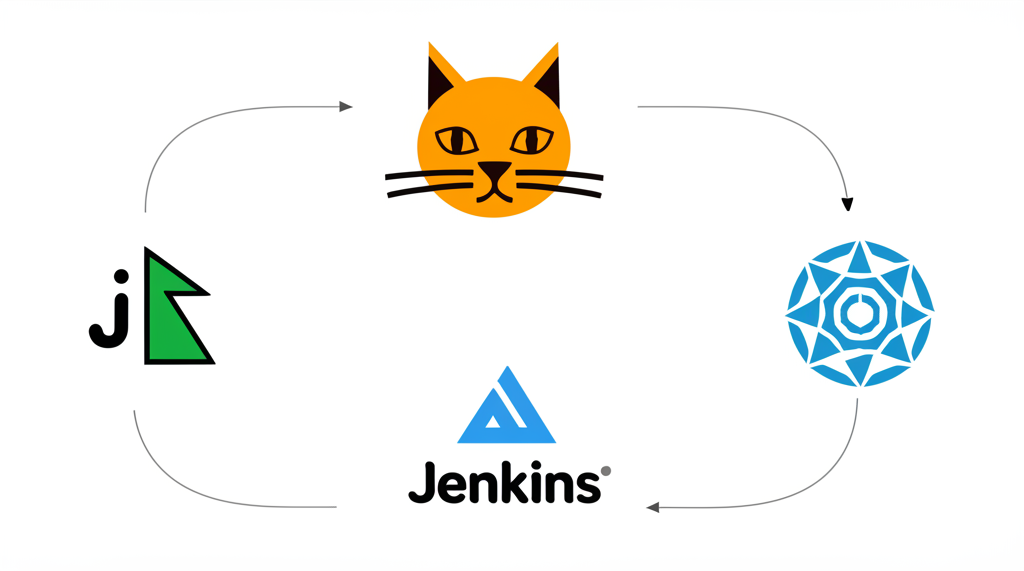
Level Up Your DevOps: Integrating GitHub with Jenkins, Terraform, and Kubernetes
So you’re using GitHub for version control – awesome! But GitHub is much more than just a place to store code. You can supercharge your DevOps workflow by integrating it with powerful tools like Jenkins, Terraform, and Kubernetes. This integration can automate your build, deployment, and infrastructure management, making you a DevOps rockstar.
This post will walk you through the basics of integrating these tools with GitHub, using clear language and practical examples. Let’s dive in!
Why Integrate GitHub?
Before we get into the “how,” let’s quickly recap the “why.” Integrating GitHub with these tools provides:
- Automation: Trigger builds, deployments, and infrastructure changes based on code commits.
- Consistency: Ensure a consistent and repeatable process for all changes.
- Visibility: Track changes and deployments directly within your GitHub repository.
- Efficiency: Reduce manual tasks and speed up the development lifecycle.
1. GitHub + Jenkins: Continuous Integration Powerhouse
Jenkins is a powerful automation server often used for Continuous Integration/Continuous Deployment (CI/CD). Integrating it with GitHub allows Jenkins to automatically build and test your code whenever changes are pushed to your repository.
Here’s a simplified workflow:
- Developer commits code to GitHub.
- GitHub triggers a Jenkins job. This is usually done through a Webhook.
- Jenkins pulls the latest code from GitHub.
- Jenkins builds, tests, and potentially deploys the application.
- Jenkins reports the results back to GitHub (e.g., commit status checks).
How to Integrate:
- Install the GitHub Plugin in Jenkins: Go to “Manage Jenkins” -> “Manage Plugins” -> “Available” and search for “GitHub Plugin”. Install it.
- Configure GitHub Webhooks: In your GitHub repository, go to “Settings” -> “Webhooks” -> “Add webhook”. Set the “Payload URL” to your Jenkins URL (e.g., `http://your-jenkins-server/github-webhook/`). Choose the events that will trigger the webhook (usually “push” events).
- Configure Jenkins Job: In your Jenkins job configuration, select “GitHub project” and enter your repository URL. Configure the “Source Code Management” section to use Git and specify your repository URL and branch. Under “Build Triggers,” select “GitHub hook trigger for GITScm polling.”
Example:
Let’s say you push a change to your main branch. GitHub sends a webhook to Jenkins. Jenkins detects the change, pulls the code, runs your tests, and if everything passes, builds a deployable artifact. Jenkins can even update the commit status in GitHub with a “Success” or “Failure” message.
2. GitHub + Terraform: Infrastructure as Code Automation
Terraform allows you to define and manage your infrastructure as code. Integrating it with GitHub provides version control, collaboration, and automated infrastructure provisioning.
Here’s a simplified workflow:
- Developer updates Terraform configuration files (e.g., adding a new server) and commits the changes to GitHub.
- A CI/CD pipeline (often managed by Jenkins or GitHub Actions) is triggered.
- The pipeline pulls the latest Terraform configuration from GitHub.
- Terraform applies the changes to your infrastructure.
How to Integrate:
- Store Terraform Configuration in GitHub: Simply commit your
.tffiles to a GitHub repository. - Use a CI/CD Pipeline (e.g., Jenkins, GitHub Actions): Create a pipeline that executes
terraform init,terraform plan, andterraform applycommands when changes are made to your Terraform configuration files in GitHub. You’ll need to configure access keys/credentials so Terraform can access your cloud provider (AWS, Azure, GCP, etc.). - Terraform State Management: Crucially, you need a remote backend for your Terraform state. Storing it locally is not recommended for collaboration. Popular options include AWS S3, Azure Storage Account, or Terraform Cloud. Configure your Terraform configuration to use a remote backend.
Example:
Imagine you want to provision a new database server. You update your Terraform configuration in GitHub, commit the changes, and push them. A Jenkins job (triggered by a GitHub webhook) automatically runs terraform apply. Terraform creates the new database server according to your configuration.
3. GitHub + Kubernetes: Deploying and Managing Containers
Kubernetes is a container orchestration platform. Integrating it with GitHub enables you to automate the deployment and management of your containerized applications.
Here’s a simplified workflow:
- Developer updates application code and/or Kubernetes manifests (YAML files describing your deployments) and commits the changes to GitHub.
- A CI/CD pipeline is triggered.
- The pipeline builds a new container image and pushes it to a container registry (e.g., Docker Hub, AWS ECR, Google Container Registry).
- The pipeline updates the Kubernetes deployment with the new image tag.
- Kubernetes automatically rolls out the new version of your application.
How to Integrate:
- Store Kubernetes Manifests in GitHub: Store your deployment, service, and other Kubernetes configuration files in a GitHub repository.
- Use a CI/CD Pipeline (e.g., Jenkins, GitHub Actions): Create a pipeline that builds a Docker image, pushes it to a registry, and then applies the updated Kubernetes manifests using
kubectl apply -f <manifest_file>. - Consider using tools like Helm: Helm is a package manager for Kubernetes that simplifies deployment and management. You can store Helm charts in GitHub and use them within your CI/CD pipeline.
Example:
You fix a bug in your application and commit the changes. A GitHub Actions workflow builds a new Docker image, tags it with the commit SHA, pushes it to Docker Hub, and then updates your Kubernetes deployment manifest with the new image tag. Kubernetes automatically updates your running application with the bug fix.
Key Considerations:
- Security: Be mindful of storing secrets (passwords, API keys) in your GitHub repositories. Use tools like HashiCorp Vault or environment variables to manage secrets securely.
- CI/CD Pipelines: Choose a CI/CD tool that fits your needs and learn how to configure it effectively.
- Version Control Everything: Treat all your configuration files (Terraform, Kubernetes) as code and keep them under version control in GitHub.
- Branching Strategy: Define a clear branching strategy for your Git repository (e.g., Gitflow) to manage different environments (development, staging, production).
Conclusion:
Integrating GitHub with Jenkins, Terraform, and Kubernetes might seem daunting at first, but the benefits of automation, consistency, and efficiency are well worth the effort. Start with simple integrations and gradually expand your automation as you become more comfortable. By embracing these tools, you can significantly improve your DevOps workflows and deliver software faster and more reliably. Good luck!