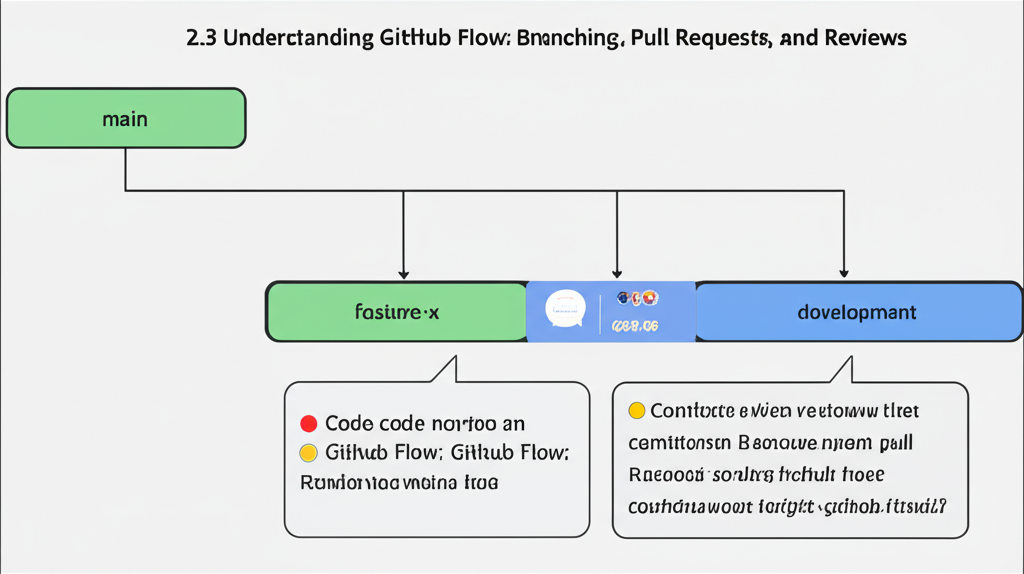
Demystifying GitHub Flow: Your Guide to Branching, Pull Requests, and Reviews
GitHub Flow is a simple, lightweight, and effective workflow for software development that many teams and individuals use. If you’re new to version control or just trying to level up your GitHub game, understanding GitHub Flow is crucial. In this post, we’ll break down the core concepts: branching, pull requests, and code reviews, making them easy to grasp and implement in your own projects.
What is GitHub Flow?
At its heart, GitHub Flow is all about collaborating on code changes in a safe and organized way. It encourages frequent deployments and continuous integration, allowing teams to ship features faster and with fewer headaches.
The Core Pillars of GitHub Flow:
Let’s dive into the three fundamental components that make GitHub Flow tick:
1. Branching: Your Isolated Playground
Imagine you’re working on a house. You wouldn’t start tearing down walls and changing the foundation without a plan, right? Branching in Git is similar. It lets you create a separate line of development (a “branch”) based on your main codebase (usually called main or master).
- Why Branch?
- Isolation: You can experiment, develop new features, and fix bugs without impacting the main codebase.
- Collaboration: Multiple people can work on different features simultaneously without stepping on each other’s toes.
- Safety Net: If your changes introduce problems, you haven’t broken the main, stable version of your project.
- How to Branch:
Using the command line:
git checkout -b feature/my-new-feature # Creates a new branch named "feature/my-new-feature" and switches to itOr, through the GitHub interface:
- Go to your repository on GitHub.
- Click on the branch dropdown menu (usually showing
mainormaster). - Type in your desired branch name and click “Create branch.”
- Best Practices:
- Descriptive Branch Names: Use names that clearly indicate the purpose of the branch (e.g.,
fix/login-bug,feature/user-profile). - Keep Branches Focused: Each branch should address a specific task or feature.
- Branch Often: The more you branch, the smaller your changesets and the easier it is to review and integrate.
- Descriptive Branch Names: Use names that clearly indicate the purpose of the branch (e.g.,
2. Pull Requests: Proposing Your Changes
Once you’ve finished working on your branch and are confident in your changes, it’s time to propose them for inclusion in the main codebase. This is where Pull Requests (PRs) come in.
- What is a Pull Request?
A Pull Request is essentially a request to merge your branch into another branch (usually
mainormaster). It’s a formal process for review and discussion before your changes are integrated. Think of it as submitting your code for approval. - How to Create a Pull Request:
- Push Your Branch: Make sure your local branch is pushed to the remote repository (GitHub).
git push origin feature/my-new-feature - Go to your repository on GitHub. GitHub will often automatically detect your newly pushed branch and prompt you to create a pull request. Alternatively, you can navigate to the “Pull requests” tab and click “New pull request.”
- Select the base branch and compare branch. Choose the branch you want to merge into (the “base branch,” typically
main) and the branch you want to merge from (your feature branch). - Write a clear and descriptive title and description. Explain what the PR does, why it’s needed, and any important considerations. Use bullet points or numbered lists to organize information.
- Create the Pull Request!
- Push Your Branch: Make sure your local branch is pushed to the remote repository (GitHub).
-
What Happens After Creating a Pull Request?
- Automated Checks: GitHub will often run automated checks (like linters, tests, and security scans) to ensure code quality.
- Code Review: Other developers will review your code, provide feedback, and suggest improvements.
- Discussion: The pull request becomes a central place for discussing the changes, addressing concerns, and collaborating on solutions.
3. Code Reviews: Ensuring Quality and Sharing Knowledge
Code reviews are a vital part of GitHub Flow. They’re the process of having other developers examine your code before it’s merged into the main codebase.
- Why Code Reviews?
- Improve Code Quality: Detect bugs, identify potential issues, and ensure code adheres to style guidelines.
- Share Knowledge: Help team members understand the codebase and learn from each other.
- Reduce Risk: Prevent problematic code from making its way into production.
- Promote Consistency: Ensure the codebase is consistent and maintainable.
- What to Look for in a Code Review:
- Functionality: Does the code do what it’s supposed to do?
- Readability: Is the code easy to understand?
- Efficiency: Is the code optimized for performance?
- Security: Does the code have any potential security vulnerabilities?
- Testability: Is the code easily testable?
- Style: Does the code adhere to established coding standards?
- Giving and Receiving Feedback:
- Be specific and constructive: Instead of saying “This code is bad,” say “This section could be clearer; consider using a more descriptive variable name.”
- Be polite and respectful: Remember that code reviews are a collaborative process.
- Be open to feedback: Don’t take criticism personally. Use it as an opportunity to learn and improve.
- Address all feedback: Respond to comments and questions, and make the necessary changes.
Putting It All Together: The GitHub Flow Cycle
Here’s a summary of the GitHub Flow cycle:
- Create a branch: For each new feature or bug fix.
- Develop and commit changes: Work on your branch, committing your changes regularly.
- Push your branch: To the remote repository on GitHub.
- Create a pull request: To propose your changes for review.
- Review and discuss: Collaborate with other developers to review and refine your code.
- Merge the pull request: Once the code has been approved, merge it into the target branch (usually
main). - Deploy: Deploy the changes to production.
Conclusion:
GitHub Flow provides a simple yet powerful framework for managing code changes and collaborating effectively. By understanding and implementing branching, pull requests, and code reviews, you can improve the quality of your code, reduce the risk of introducing bugs, and foster a more collaborative development environment. So, give it a try in your next project and see the benefits for yourself! Happy coding!