Bridging the Gap: Connecting Your Data Center to AWS with Direct Connect and VPN
So, you’re leveraging the power of AWS for your business? Awesome! But what if you need to connect your existing on-premise data center to your AWS cloud? You’ve got a couple of excellent options: AWS Direct Connect and VPN. Let’s break them down and see which might be the best fit for your needs.
Think of it like this: you have two houses (your data center and AWS) and you need a reliable road connecting them. Direct Connect and VPN are two different types of roads – one a private highway, the other a secure, encrypted tunnel through public roads.
What’s the Goal?
Before we dive in, let’s understand why you’d want to connect your data center to AWS in the first place. Common reasons include:
- Hybrid Cloud: Seamlessly running applications that span both your on-premise infrastructure and AWS.
- Disaster Recovery: Replicating your on-premise data to AWS for backup and recovery.
- Data Migration: Moving large datasets to AWS for storage and processing.
- Low Latency Applications: Minimizing delays between your users and applications running in AWS, especially important for gaming, video streaming, or financial applications.
Option 1: AWS Direct Connect – Your Private Highway
Direct Connect provides a dedicated network connection between your on-premise data center and AWS. Imagine it as a private, high-speed highway specifically built for your traffic.
Key Benefits:
- Consistent Network Performance: Because it’s a dedicated connection, you get predictable and reliable network speeds. This eliminates the “noisy neighbor” effect you might experience on the public internet.
- Lower Latency: Direct Connect reduces the number of hops (network jumps) your data takes, leading to lower latency.
- Improved Security: Data doesn’t traverse the public internet, providing enhanced security and potentially meeting compliance requirements.
- Cost Savings (Potentially): For high-bandwidth needs, Direct Connect can be more cost-effective than VPN over the long run, especially when considering data transfer costs.
Things to Consider:
- Complexity: Setting up Direct Connect can be more complex than setting up a VPN. You’ll need to work with AWS and potentially a networking provider to establish the physical connection.
- Cost: Involves ongoing port fees, data transfer costs, and potentially colocation fees if your data center isn’t close to an AWS Direct Connect location.
- Physical Location: Your data center needs to be relatively close to an AWS Direct Connect location. You can find a list of locations on the AWS website.
When to Consider Direct Connect:
- You need consistently high bandwidth and low latency.
- You have strict security or compliance requirements.
- You’re transferring large amounts of data between your data center and AWS.
- Your data center is located near an AWS Direct Connect location.
Option 2: AWS VPN – Your Secure Tunnel
An AWS VPN (Virtual Private Network) creates a secure, encrypted tunnel between your on-premise network and your AWS virtual private cloud (VPC) over the public internet. Think of it as a secure tunnel that protects your data as it travels on public roads.
Key Benefits:
- Simplicity: Setting up a VPN is generally easier and faster than setting up Direct Connect.
- Cost-Effective (Initially): You only pay for the VPN connection hours and data transfer, making it a good option for smaller bandwidth needs.
- Flexibility: You can establish a VPN connection from virtually anywhere with an internet connection.
- No Physical Location Restrictions: Doesn’t require proximity to an AWS Direct Connect location.
Things to Consider:
- Variable Network Performance: Performance can be affected by internet traffic and congestion.
- Higher Latency (Generally): Data has to travel over the public internet, which can introduce more latency.
- Data Transfer Costs: Can become expensive for high data transfer volumes.
- Relies on Internet Connection: Stability depends on the reliability of your internet connection.
When to Consider VPN:
- You have smaller bandwidth needs.
- You need a quick and easy way to connect to AWS.
- You don’t require consistently low latency.
- Your budget is a major concern.
- Direct Connect isn’t feasible due to location or cost.
Comparing Direct Connect and VPN: At a Glance
| Feature | AWS Direct Connect | AWS VPN |
|---|---|---|
| Connection Type | Dedicated, Private Connection | Encrypted Tunnel over Internet |
| Performance | Consistent, Low Latency | Variable, Higher Latency |
| Security | Enhanced | Secure (Encrypted) |
| Complexity | Higher | Lower |
| Cost (Long Term) | Potentially Lower for High BW | Potentially Higher for High BW |
| Location | Requires proximity to DX location | No Location Restriction |
Hybrid Approaches:
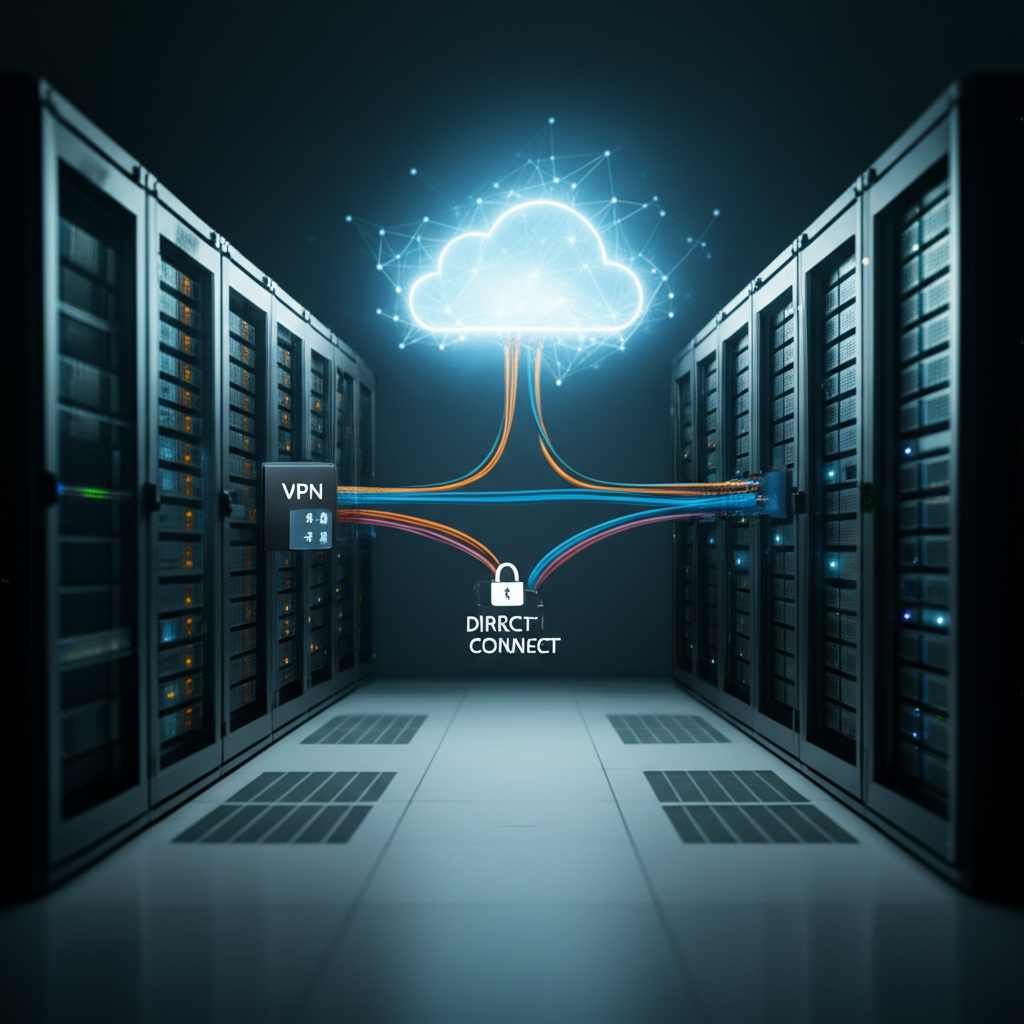
You can even combine Direct Connect and VPN for redundancy. Use Direct Connect for your primary connection and VPN as a backup in case of Direct Connect outages. This provides the best of both worlds: performance and reliability.
Which is Right for You?
The best choice depends on your specific needs and priorities. Ask yourself these questions:
- How much bandwidth do I need?
- What are my latency requirements?
- What are my security and compliance requirements?
- What’s my budget?
- Is my data center near an AWS Direct Connect location?
By carefully considering these factors, you can make an informed decision and choose the connection method that best suits your business needs. Good luck connecting your data center to the cloud!