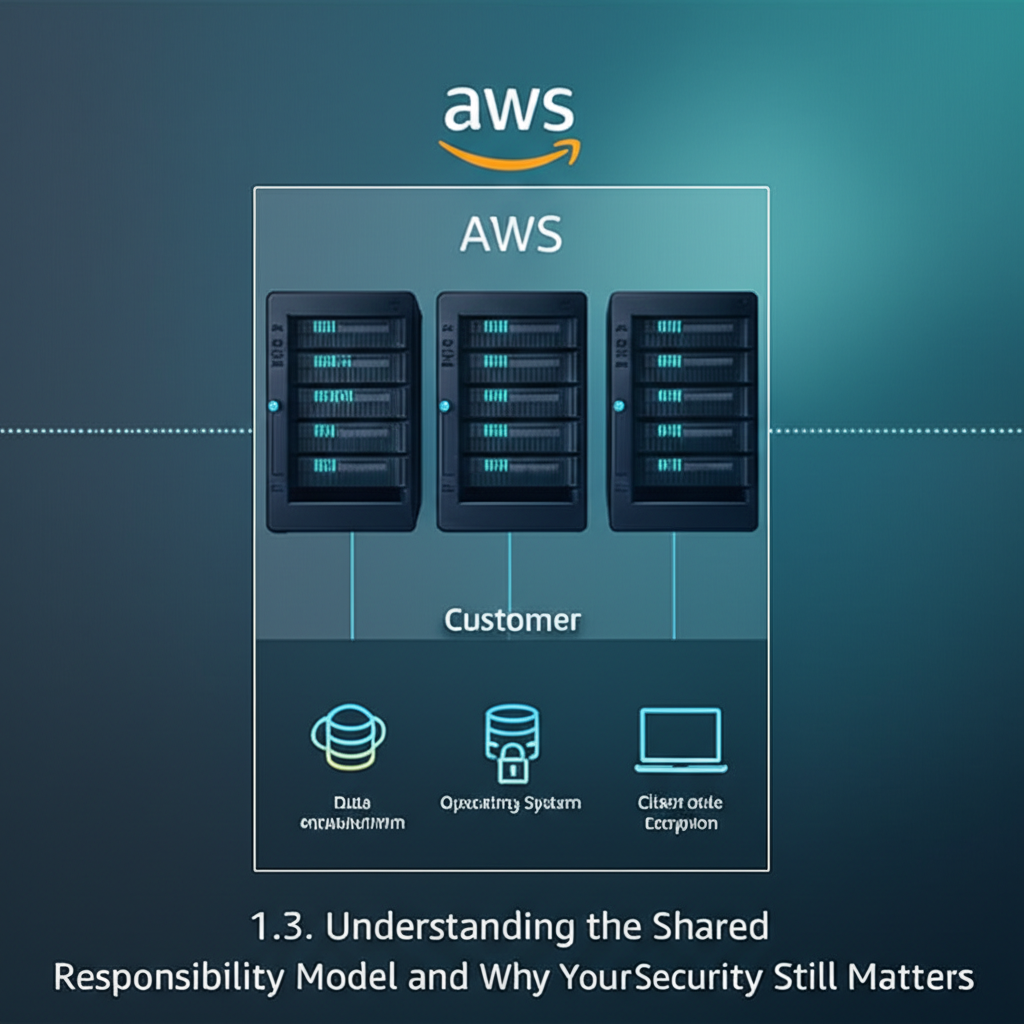
AWS Shared Responsibility Model: Why Your Security Still Matters (Big Time!)
So, you’re diving into the world of AWS, that amazing playground of cloud services. You’ve heard about its scalability, flexibility, and cost-effectiveness. But amidst all the hype, there’s one crucial concept you must grasp: the Shared Responsibility Model.
Think of it as a partnership between you and AWS, but with clearly defined roles and responsibilities when it comes to security. Ignoring this model is like building a house with a flimsy foundation – sooner or later, things will crumble.
What is the Shared Responsibility Model?
Simply put, the Shared Responsibility Model outlines who is responsible for what when it comes to security in the AWS cloud. It boils down to this:
- AWS is responsible for the security of the cloud. This includes the physical infrastructure (data centers, servers, networking hardware), the underlying software, and the global infrastructure that powers AWS. Think of it as AWS protecting the house itself.
- You are responsible for the security in the cloud. This includes securing your data, configuring your services correctly, managing access control, and applying security best practices to your applications. Think of it as you protecting your belongings inside the house and ensuring the doors are locked.
A Simple Analogy: Renting an Apartment
Imagine you’re renting an apartment. The landlord (AWS) is responsible for the building’s structural integrity, the plumbing, the electricity, and the overall safety of the complex. You (the customer) are responsible for securing your apartment – locking your doors, safeguarding your valuables, and ensuring your own internal systems are secure.
Visualizing the Model
Here’s a handy breakdown:
AWS Responsibilities (Security OF the Cloud)
- Physical security of data centers
- Hardware and software infrastructure
- Network infrastructure
- Global infrastructure
- Foundation services (compute, storage, database)
Your Responsibilities (Security IN the Cloud)
- Security of your operating systems, network, and platform
- Client-side data encryption
- Server-side data encryption (depending on the service)
- Networking traffic protection (using security groups, network ACLs, etc.)
- Identity and access management (IAM)
- Application security
- Data security
Why Your Security STILL Matters
Now you might be thinking, “AWS is responsible for security, so I don’t have to worry about anything, right?” Wrong! This is where many people make a critical mistake.
Even though AWS provides a secure foundation, you’re still responsible for the configuration and management of your resources. You can’t rely solely on AWS to protect your data if you:
- Leave your S3 buckets publicly accessible: AWS provides S3, but you’re responsible for configuring the permissions correctly.
- Don’t use encryption: AWS offers encryption options, but you need to implement them.
- Grant excessive permissions using IAM: AWS provides IAM for managing access, but you need to grant only the necessary permissions.
- Run vulnerable code in your EC2 instances: AWS provides EC2 instances, but you’re responsible for securing the operating system and the applications you run on them.
- Fail to implement proper logging and monitoring: You need to monitor your AWS resources for suspicious activity.
Examples in Action
Let’s look at some specific AWS services to see how the Shared Responsibility Model applies:
- Amazon EC2 (Virtual Machines): AWS manages the underlying hypervisor and physical server. You are responsible for securing the operating system, applications, data, and network configuration within the EC2 instance.
- Amazon S3 (Object Storage): AWS manages the storage infrastructure and ensures data durability. You are responsible for configuring bucket permissions, encrypting data at rest, and managing access to your S3 buckets.
- Amazon RDS (Managed Databases): AWS manages the database infrastructure, operating system patching, and backups. You are responsible for securing the database instance, managing user access, encrypting data in transit and at rest, and configuring network access rules.
Practical Steps You Can Take
So, what can you do to ensure you’re upholding your end of the bargain? Here are some practical steps:
- Understand AWS IAM: Master Identity and Access Management (IAM) to control who has access to your AWS resources and what they can do. Use the principle of least privilege – grant only the permissions necessary for each role or user.
- Enable Encryption: Utilize encryption for your data, both in transit and at rest. AWS offers various encryption options for different services.
- Configure Security Groups: Use security groups to control inbound and outbound traffic to your EC2 instances and other resources.
- Regularly Patch Your Systems: Keep your operating systems and applications up-to-date with the latest security patches.
- Implement Logging and Monitoring: Use AWS CloudTrail and CloudWatch to monitor your resources for suspicious activity.
- Follow Security Best Practices: Adhere to AWS security best practices, such as enabling multi-factor authentication (MFA) for all users.
- Automate Security: Use infrastructure-as-code tools (like CloudFormation or Terraform) to automate the configuration of your AWS resources, ensuring consistent security settings.
In Conclusion
The Shared Responsibility Model is fundamental to understanding security in AWS. While AWS provides a secure and reliable foundation, you are ultimately responsible for protecting your data, applications, and resources within the cloud. By understanding and actively managing your security responsibilities, you can leverage the full power of AWS while minimizing your risk. Don’t let security be an afterthought – make it a priority from the start! Happy clouding!