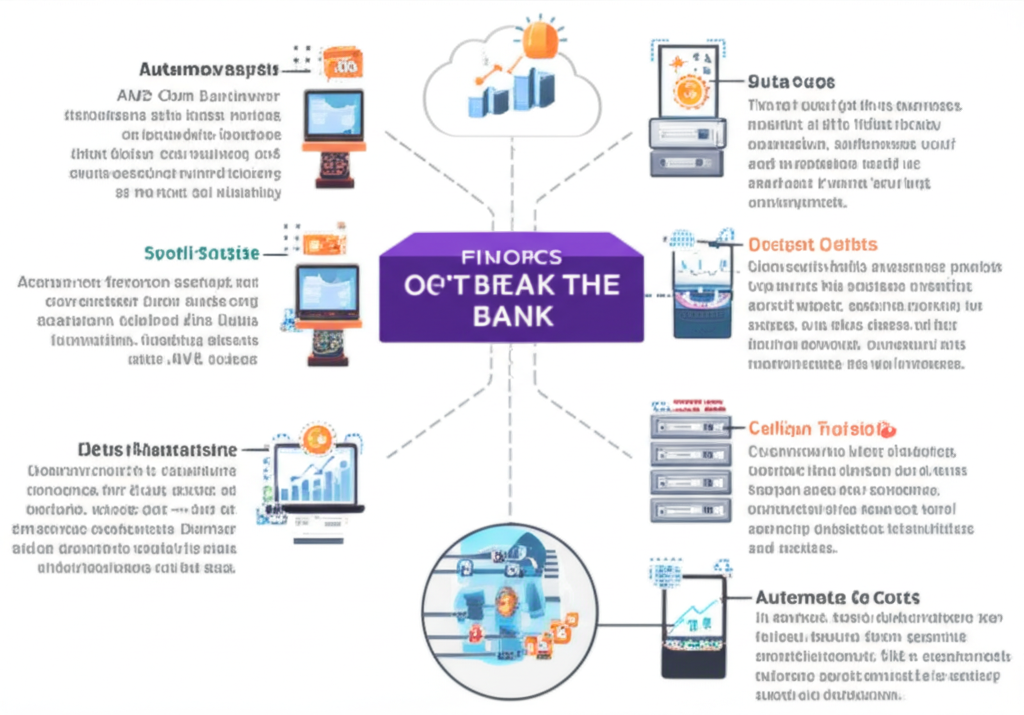
FinOps for Developers: Writing Code That Doesn’t Break the Budget
Hey developers! We all love building cool stuff in the cloud, especially with the awesome power of AWS. But with great power comes great responsibility… for the cloud bill! Ever get that little (or not-so-little) surprise at the end of the month? That’s where FinOps comes in.
What is FinOps, Anyway?
Think of FinOps as a set of best practices that helps everyone in an organization – especially us developers – understand and manage cloud costs. It’s not just about the finance team; it’s about making informed decisions about spending as we build and deploy our applications.
For us developers, this means writing code and architecting solutions in a way that is cost-aware. It’s about being mindful of the resources our applications consume and optimizing them to avoid unnecessary expenses.
Why Should Developers Care About FinOps?
You might be thinking, “Hey, that’s someone else’s job!” But here’s why FinOps matters to us:
- It empowers you: Understanding cost implications allows you to make better technical decisions. Should you choose that super powerful instance or can a smaller one handle the load? FinOps gives you the data to decide.
- It fosters collaboration: When developers understand the cost impact of their code, they can better collaborate with finance and operations teams to optimize spending.
- It avoids surprises: No one likes unexpected bills. By being cost-aware from the start, you can prevent those “oops” moments.
- It can lead to innovation: Sometimes, cost optimization forces you to think creatively and find more efficient ways to solve problems.
Writing Code That Doesn’t Break the Bank: Practical Tips for Developers
Okay, let’s get down to the nitty-gritty. Here are some practical things we can do as developers to keep our AWS bills in check:
1. Choose the Right Resources:
- Right-sizing EC2 Instances: Don’t just pick the biggest, baddest instance. Monitor your application’s CPU, memory, and network usage and choose an instance type that meets your actual needs. AWS provides tools like CloudWatch and Compute Optimizer to help with this.
- Leverage Serverless: Services like AWS Lambda, API Gateway, and DynamoDB can be incredibly cost-effective for certain workloads because you only pay for what you use. No more idle server costs!
- Use Spot Instances: For non-critical, fault-tolerant workloads, Spot Instances can offer significant cost savings compared to On-Demand Instances. Just be prepared for the possibility of them being interrupted.
2. Optimize Your Storage:
- S3 Intelligent-Tiering: If your data access patterns vary, S3 Intelligent-Tiering automatically moves your objects to the most cost-effective storage tier based on usage.
- Delete Unused Data: Regularly review your S3 buckets, EBS volumes, and other storage services and delete any data you no longer need. Old backups and logs can add up quickly.
- Choose the Right EBS Volume Type: Different EBS volume types have different performance characteristics and costs. Select the one that best suits your application’s I/O requirements.
3. Be Network-Savvy:
- Minimize Data Transfer: Be mindful of data transfer costs, especially between different AWS regions or out to the internet. Optimize your application to reduce unnecessary data transfer.
- Utilize VPC Endpoints: For accessing AWS services from within your VPC, use VPC endpoints to avoid traffic going over the public internet and incurring additional costs.
- Consider Regionality: Deploy your resources in the AWS region that is closest to your users to reduce latency and potentially data transfer costs.
4. Embrace Automation and Infrastructure as Code (IaC):
- Automated Provisioning and Decommissioning: Use tools like AWS CloudFormation or Terraform to automate the creation and deletion of resources. This helps ensure you’re not running resources longer than necessary.
- Scheduled Scaling: For applications with predictable traffic patterns, automate scaling your resources up during peak times and down during off-peak hours. AWS Auto Scaling can handle this for you.
5. Monitor and Analyze Your Costs:
- AWS Cost Explorer: Regularly use AWS Cost Explorer to visualize your spending patterns, identify cost drivers, and forecast future costs.
- AWS Budgets: Set up budgets to track your spending against your planned limits and receive alerts when you’re approaching or exceeding your budget.
- CloudWatch Metrics: Monitor resource utilization metrics in CloudWatch to identify potential areas for optimization.
6. Write Efficient Code:
- Optimize Database Queries: Slow or inefficient database queries can lead to increased resource consumption and higher costs. Regularly review and optimize your queries.
- Efficient Algorithms: Choosing the right algorithms and data structures can significantly impact your application’s performance and resource usage.
- Caching: Implement caching mechanisms to reduce the load on your backend services and databases.
FinOps is a Journey, Not a Destination
Becoming cost-aware is an ongoing process. Start small, experiment with these tips, and continuously monitor your AWS costs. By integrating FinOps principles into our development workflows, we can build amazing applications without breaking the bank. Let’s work together to be more financially responsible in the cloud!