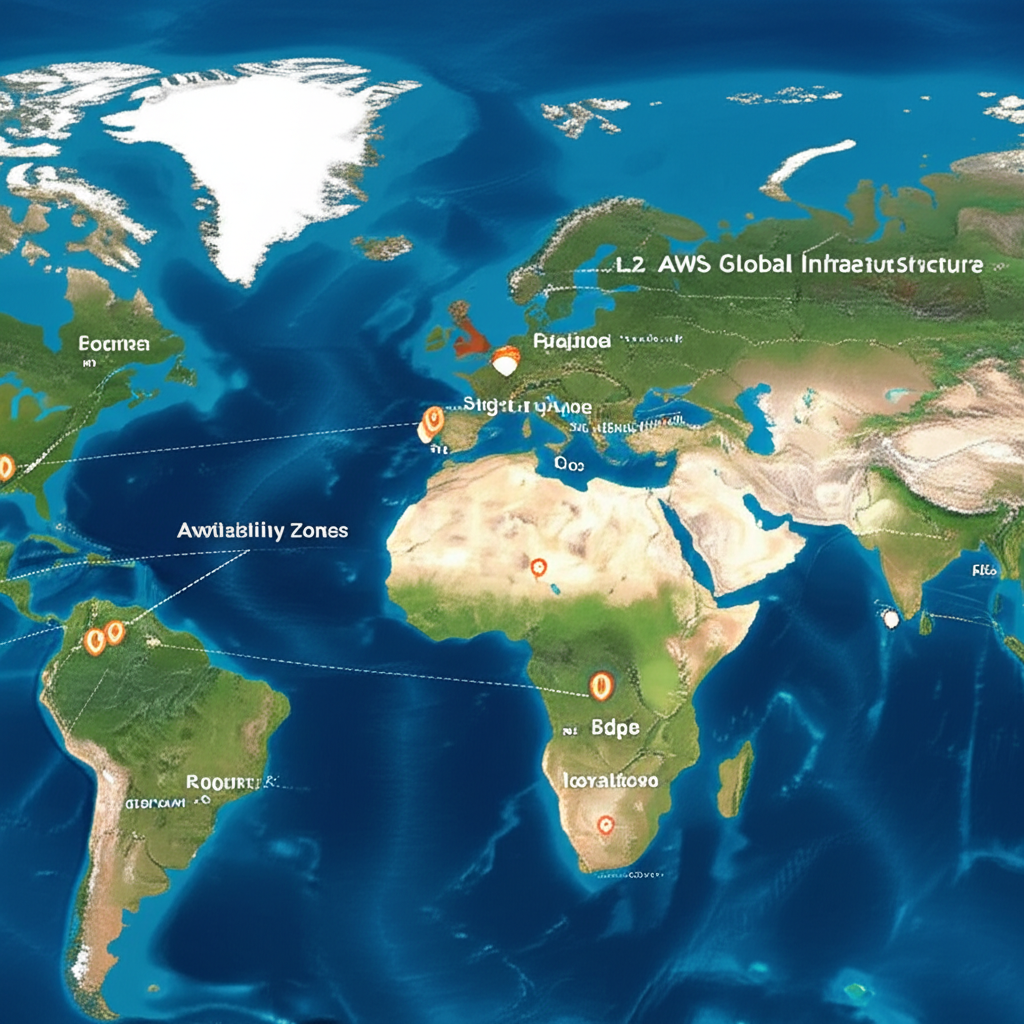
Decoding the AWS Global Infrastructure: Regions, Availability Zones, and Edge Locations
So you’re diving into the world of Amazon Web Services (AWS)? Awesome! One of the fundamental concepts to grasp right off the bat is the AWS Global Infrastructure. Think of it as the physical backbone that powers all those cool cloud services. Understanding it will help you choose the right deployment strategies, optimize performance, and build resilient applications.
Don’t worry, it’s not as complicated as it sounds. Let’s break it down into three key components: Regions, Availability Zones, and Edge Locations.
1. Regions: The Big Picture
Imagine the world divided into geographical areas. In the AWS world, these areas are called Regions. Think of a Region as a completely independent collection of data centers.
- What is it? A geographically separate and independent area containing multiple Availability Zones.
- Why is it important?
- Geographic Proximity: You choose a Region closest to your users to reduce latency (the time it takes for data to travel). If most of your users are in Europe, you’d likely choose a Region within Europe.
- Compliance & Data Sovereignty: Different countries have different regulations regarding data storage. Regions allow you to comply with these regulations by keeping your data within specific geographic boundaries. For example, GDPR in Europe.
- Disaster Recovery: By deploying your application in multiple Regions, you can create a resilient architecture that can withstand regional outages. If one region goes down, your application can continue running in another.
- Example:
us-east-1(North Virginia),eu-west-1(Ireland),ap-southeast-2(Sydney) are all different AWS Regions.
Think of it this way: Each Region is like a separate, self-sufficient cloud platform within AWS. They are designed to be isolated from each other, minimizing the impact of failures in one region on another.
2. Availability Zones (AZs): The Building Blocks of Resilience
Within each Region, you’ll find multiple Availability Zones (AZs). These are designed to be isolated from each other, but connected through low-latency, high-bandwidth networks.
- What is it? One or more discrete data centers, each with redundant power, networking, and connectivity, located in a single Region.
- Why is it important?
- High Availability: Deploying your application across multiple AZs protects you from failures within a single data center. If one AZ experiences an outage, your application can continue running in the other AZs.
- Fault Tolerance: AZs are physically separated within a region to minimize the likelihood of simultaneous failures (e.g., from a single flood or power outage).
- Low Latency: AZs within a Region are interconnected with fast, private networking, allowing you to distribute your application without significant performance impact.
- Example: The
us-east-1(North Virginia) Region has multiple AZs such asus-east-1a,us-east-1b,us-east-1c,us-east-1d,us-east-1e, andus-east-1f.
Think of it this way: Availability Zones are like separate buildings in a city. They’re all part of the same city (Region) but are physically separated to provide redundancy and resilience.
3. Edge Locations: Speeding Up Content Delivery
Finally, we have Edge Locations. These are smaller, more geographically dispersed locations compared to Regions and AZs.
- What is it? A network of data centers that AWS uses to cache content closer to end users.
- Why is it important?
- Faster Content Delivery: When a user requests content (like images, videos, or website files), it’s served from the nearest Edge Location, reducing latency and improving the user experience.
- Improved Performance: By caching content at the edge, you reduce the load on your origin servers (where your content is initially stored).
- Protection from DDoS Attacks: Edge Locations can help mitigate Distributed Denial of Service (DDoS) attacks by absorbing malicious traffic closer to the source.
- Example: Think of Edge Locations as strategically placed distribution centers around the world. AWS uses services like Amazon CloudFront to leverage these locations.
Think of it this way: Edge Locations are like local grocery stores. They store frequently requested items (content) closer to your home (your users) so you don’t have to travel all the way to the main warehouse (your origin server).
Putting It All Together: A Practical Example
Let’s say you’re building an e-commerce website targeting users in the United States. Here’s how you might use the AWS Global Infrastructure:
- Region: You might choose the
us-east-1(North Virginia) Region as it is geographically central within the US and offers a wide range of AWS services. - Availability Zones: You would deploy your web servers and database across at least two Availability Zones within
us-east-1, sayus-east-1aandus-east-1b. This ensures that if one AZ fails, your website will still be available. - Edge Locations: You would use Amazon CloudFront to cache static content (images, CSS, JavaScript) at Edge Locations around the US. This will ensure that your website loads quickly for users no matter where they are located.
Key Takeaways:
- Regions: Geographical areas, providing independence and compliance options.
- Availability Zones: Data centers within Regions, offering redundancy and fault tolerance.
- Edge Locations: Locations caching content globally for faster delivery and reduced latency.
Understanding the AWS Global Infrastructure is crucial for designing and deploying applications that are reliable, scalable, and performant. By leveraging Regions, Availability Zones, and Edge Locations, you can build robust and resilient cloud solutions that meet the needs of your users around the world. So, go forth and architect with confidence!