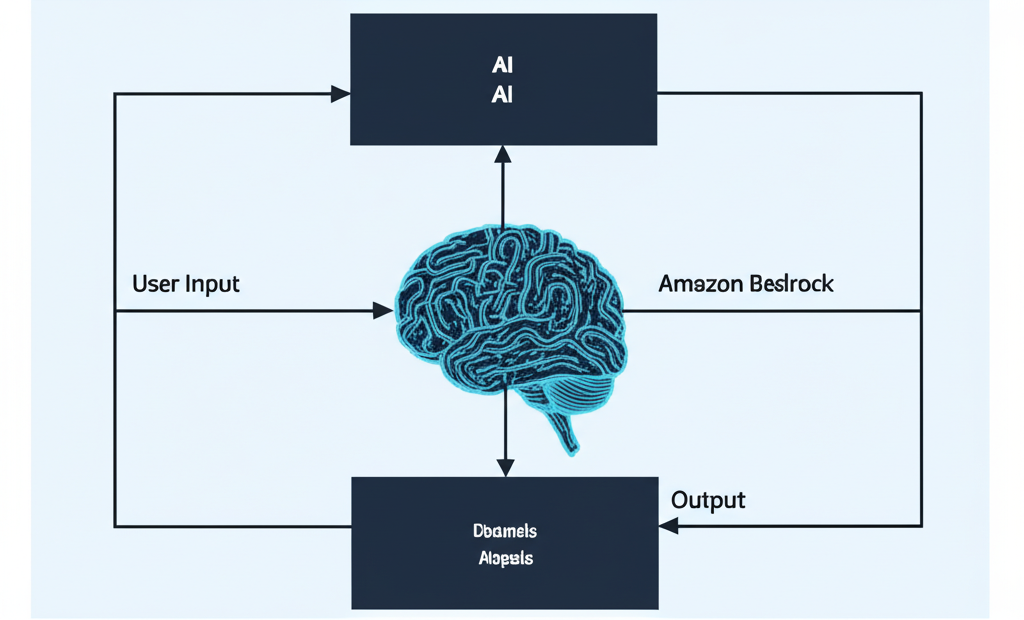
Building Your First AI Agent: A Step-by-Step Guide Using Amazon Bedrock
Artificial intelligence (AI) is no longer just a futuristic idea. It’s becoming a part of our daily lives, from smart assistants on our phones to personalized recommendations when we shop online. One exciting application of AI is the creation of AI agents – programs that can understand, reason, and act on instructions to achieve specific goals.
Building AI agents might sound complicated, but with the right tools, it can be surprisingly accessible. In this guide, we’ll walk you through the steps to build your first simple AI agent using Amazon Bedrock, a fully managed service that offers a choice of high-performing foundation models (FMs) from leading AI companies.
What is an AI Agent?
Think of an AI agent as a helpful virtual assistant that can perform tasks for you. Unlike simple programs that follow a fixed set of rules, an AI agent can:
- Understand natural language: It can process and interpret what you say or type.
- Make decisions: Based on its understanding, it can figure out the best course of action.
- Learn and improve: Over time, it can get better at its tasks based on new information and experiences.
Why Use Amazon Bedrock?
Amazon Bedrock makes it easy to build and scale generative AI applications. Here’s why it’s a great choice for building your first AI agent:
- Variety of Models: Bedrock gives you access to a range of powerful AI models from different providers through a single API. This means you can experiment with different models to find the one that best suits your needs.
- Ease of Use: Bedrock handles the underlying infrastructure, so you can focus on building your application without worrying about managing servers or complex setups.
- Security and Privacy: Your data is kept private and secure.
Let’s Build a Simple AI Agent: A Step-by-Step Guide
For this guide, we’ll create a very basic AI agent that can answer simple questions about a given topic.
Step 1: Accessing Amazon Bedrock
- Sign in to your AWS Management Console: Make sure you have an AWS account.
- Navigate to Amazon Bedrock: In the AWS Management Console search bar, type “Bedrock” and select “Amazon Bedrock.”
Step 2: Choosing a Foundation Model
- In the Bedrock console, go to the “Foundation Models” section.
- Browse the available models. For a simple question-answering task, models known for their language understanding and generation capabilities are good starting points (e.g., models from AI21 Labs, Anthropic, or Cohere).
- Select a model that looks promising to you. You can read the model description to understand its strengths.
Step 3: Interacting with the Model via the Playground
The Bedrock console provides a “Playground” where you can easily interact with the selected foundation model without writing any code.
- In the Bedrock console, click on “Playground” in the left-hand menu.
- Choose the model you selected in the previous step from the dropdown menu.
- You’ll see a text area where you can enter your prompt (the instruction you give to the AI model).
Step 4: Crafting Your First Prompt
A well-crafted prompt is crucial for getting the desired output from the AI model. For our simple question-answering agent, you can try prompts like these:
- Example 1: “What are the main benefits of using Amazon Bedrock?”
- Example 2: “Explain the concept of foundation models in simple terms.”
- Example 3: “If someone is new to AI, how would you recommend they get started with Amazon Bedrock?”
Type your prompt into the text area in the Playground.
Step 5: Running the Prompt and Reviewing the Output
- Click the “Run” button (or a similar button depending on the Playground interface).
- The AI model will process your prompt and generate a response, which will appear in the output area.
- Read the response carefully. Does it answer your question clearly and accurately?
Step 6: Iterating and Refining Your Prompts
The first response might not always be perfect. The key to working with AI agents is often iteration. Try the following:
- Rephrasing your question: Ask the same question in a slightly different way.
- Adding more context: Provide more background information to help the model understand your request better. For example, instead of “What are the benefits?”, you could try “What are the key benefits for a developer looking to build generative AI applications using Amazon Bedrock?”
- Specifying the desired format: If you want the answer in a specific format (e.g., a bulleted list, a short paragraph), include that in your prompt. For example, “List the main benefits of using Amazon Bedrock in bullet points.”
Experiment with different prompts and observe how the model’s responses change. This will help you understand how the model works and how to get the best results.
Step 7: Thinking Beyond the Playground (Next Steps)
The Playground is a great way to get started and experiment. To build a real-world AI agent, you would typically use the Amazon Bedrock API within your application code. This would involve:
- Setting up the AWS SDK: You’ll need to install and configure the AWS Software Development Kit (SDK) for your preferred programming language (e.g., Python, Java).
- Writing code to interact with the Bedrock API: Your code will send prompts to the chosen foundation model and process the responses.
- Integrating the AI agent into your application: You can then incorporate the AI agent’s capabilities into your web application, mobile app, or other software.
Conclusion
Building your first AI agent doesn’t have to be daunting. By using Amazon Bedrock and its intuitive Playground, you can quickly start experimenting with powerful foundation models and understand the basics of prompt engineering. This step-by-step guide provides a foundation for further exploration and building more sophisticated AI-powered applications. As you continue to experiment and learn, you’ll unlock the vast potential of AI agents to solve real-world problems and enhance user experiences.