Vector Databases 101: Powering Your GenAI Apps with Amazon OpenSearch
Generative AI (GenAI) is transforming how we build applications, enabling experiences like intelligent chatbots, personalized recommendations, and sophisticated search capabilities. At the heart of many of these applications lies the need to understand and compare the meaning of data, not just keywords. This is where vector databases come in.
In this post, we’ll break down what vector databases are, why they’re crucial for GenAI, and how you can leverage Amazon OpenSearch Service to build powerful vector search functionalities into your applications.
What are Vectors and Vector Embeddings?
Imagine you have a sentence like “The cat sat on the mat.” A traditional database might store this as a sequence of characters. A vector database, however, understands the meaning of this sentence. It does this by converting the sentence (or any piece of data like an image, audio clip, or document) into a vector embedding.
A vector embedding is essentially a list of numbers (a vector) that represents the semantic meaning of the data. Think of it like a fingerprint for meaning. Similar pieces of data will have vector embeddings that are “closer” to each other in this multi-dimensional space.
For example, the vector embedding for “The cat sat on the mat” would be numerically closer to the embedding for “A feline rested on the rug” than it would be to “The car drove down the street.”
Why Vector Databases for GenAI?
GenAI models, like large language models (LLMs), also understand and generate text (and other data) by working with these vector embeddings. When you ask a question to a chatbot powered by an LLM, the question is converted into a vector embedding. To find relevant information to answer your question, the application needs to search through a collection of knowledge (also represented as vector embeddings) and find the ones that are most similar to your query.
This is where vector databases shine. They are specifically designed to:
- Efficiently store and index high-dimensional vector embeddings. Traditional databases struggle with the complex calculations required to compare these vectors at scale.
- Perform fast similarity searches. Vector databases use specialized indexing techniques to quickly find the vectors that are most similar to a given query vector. This is crucial for real-time applications.
By using a vector database, your GenAI applications can:
- Perform semantic search: Find information based on meaning, not just keywords.
- Power recommendation engines: Suggest items based on user preferences or the similarity to previously interacted items.
- Enhance question answering systems: Retrieve relevant context to provide accurate and comprehensive answers.
Amazon OpenSearch Service: Your Vector Database in the Cloud
Amazon OpenSearch Service is a fully managed service that makes it easy to deploy, secure, and run Elasticsearch and Kibana at scale in the AWS Cloud. It also offers powerful features that make it an excellent choice for building vector search capabilities for your GenAI applications.
Here’s how Amazon OpenSearch Service supports vector databases:
- k-NN (k-Nearest Neighbors) Search: OpenSearch Service provides a k-NN plugin that allows you to perform efficient similarity searches on vector embeddings. You can configure indexes to store your vector data and then run k-NN queries to find the most similar vectors.
- Scalability and Performance: Being a managed AWS service, OpenSearch Service can easily scale to handle large volumes of vector data and high query loads.
- Integration with AWS Ecosystem: OpenSearch Service seamlessly integrates with other AWS services like AWS Lambda, Amazon SageMaker, and Amazon S3, making it easy to build end-to-end GenAI applications.
- Familiarity: If you’re already familiar with Elasticsearch concepts and APIs, using the k-NN functionality in OpenSearch Service will feel natural.
Getting Started with Vector Search in Amazon OpenSearch Service
Here’s a simplified overview of the steps involved in using Amazon OpenSearch Service as a vector database:
- Generate Vector Embeddings: Use a suitable embedding model (available through services like Amazon SageMaker JumpStart or other providers) to convert your data (text, images, etc.) into vector embeddings.
- Create an OpenSearch Index: Define an index in your OpenSearch cluster with a mapping that includes a
knn_vectorfield to store your embeddings. Specify the dimensions of your vectors and the k-NN engine and space type. - Index Your Data: Ingest your data, including the generated vector embeddings, into the OpenSearch index.
- Perform k-NN Search: Use the OpenSearch query DSL to perform k-NN searches. Provide a query vector (e.g., the embedding of a user’s search query) and specify the number of nearest neighbors you want to retrieve.
- Integrate with Your GenAI Application: Use the results from the k-NN search to provide context to your GenAI model, generate responses, or drive other application logic.
Conclusion
Vector databases are a fundamental building block for many modern GenAI applications, enabling powerful semantic understanding and search capabilities. Amazon OpenSearch Service provides a robust and scalable platform to implement vector search using its k-NN functionality. By understanding the basics of vector embeddings and how to leverage OpenSearch Service, you can unlock new levels of intelligence and user experience in your generative AI applications. Start exploring the possibilities today!
Image Generation:
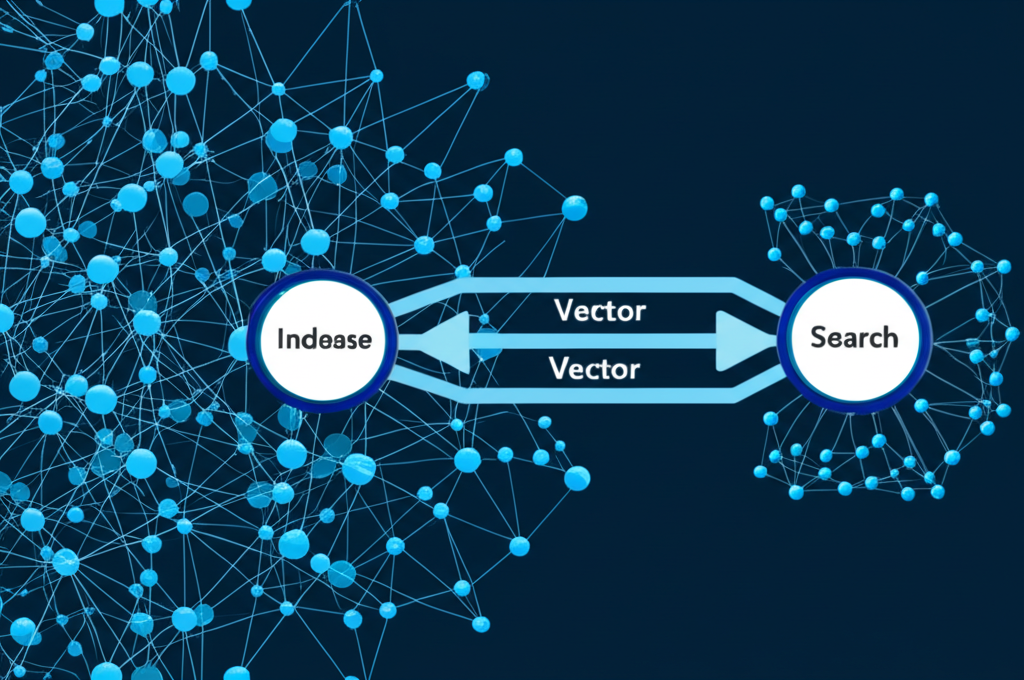
The blog post explains vector databases and their use with Amazon OpenSearch for GenAI. I will generate an image that visually represents this concept. The image should depict interconnected nodes representing data points, with arrows indicating the transformation of data into vectors. A central node or cluster could represent Amazon OpenSearch, highlighting its role in managing and searching these vectors. The overall style should be clean and modern, suggesting technology and data analysis.