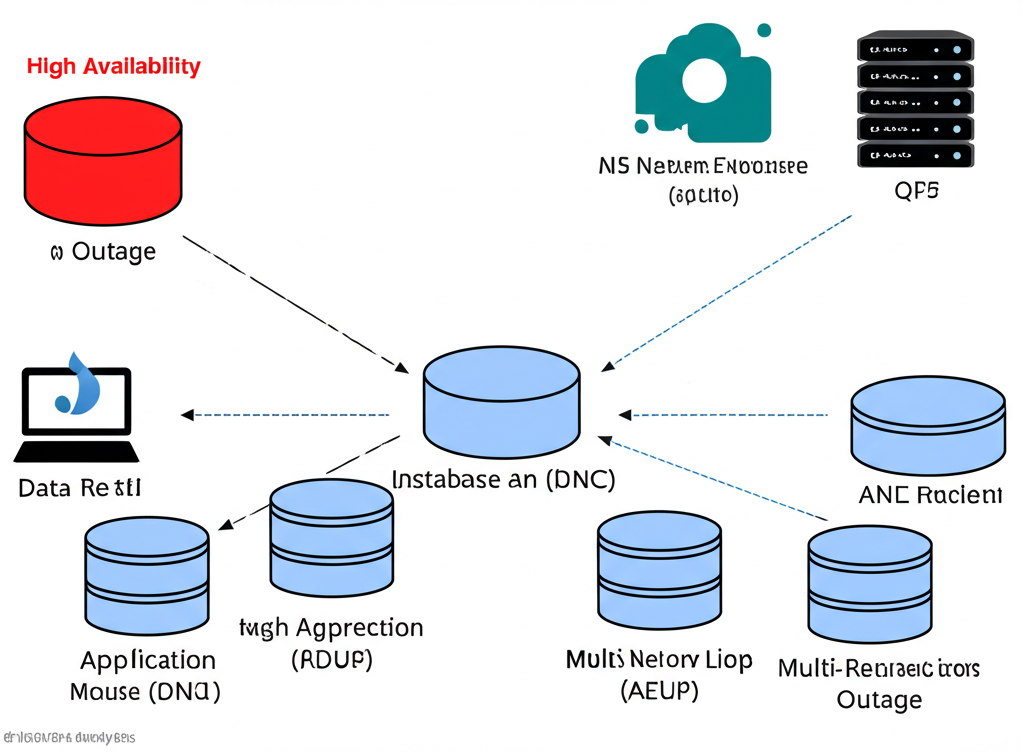
Why Your ‘High Availability’ Database Might Still Fail During an Outage
You’ve invested in a “High Availability” (HA) database setup on AWS. Great! This usually means you have redundant instances, automatic failover, and other mechanisms to keep your application running even if one part of your database infrastructure goes down. But what if, despite all this, your database still becomes unavailable during an outage?
It sounds counterintuitive, right? Let’s break down some common reasons why your HA database might still fail and what you can do about it.
1. Network Issues are the Silent Killers
Your HA setup might have healthy standby instances ready to take over, but if the network connecting your application to these instances or the instances to each other has issues, failover might not work as expected.
- What to consider: Check your VPC configurations, subnet routing, and security group rules. Ensure there are no network bottlenecks or single points of failure in your network architecture. AWS services like VPC Flow Logs and Network Reachability Analyzer can help diagnose network problems.
2. DNS Problems Can Misdirect Traffic
When a failover occurs, DNS records need to be updated to point your application to the new primary database instance. If this update is delayed or fails, your application will still try to connect to the unavailable instance.
- What to consider: Use AWS Route 53 with appropriate health checks and TTL (Time To Live) settings for your database endpoint. Test your DNS failover process regularly to ensure it works as expected.
3. Application Logic Isn’t Ready for Failover
Your database might successfully fail over, but your application needs to be designed to handle this transition gracefully.
- What to consider: Implement retry mechanisms with exponential backoff in your application code. Ensure your application can handle temporary connection interruptions and re-establish connections to the new primary. Test your application’s behavior during simulated database failovers.
4. Data Corruption Can Halt Everything
HA often focuses on instance availability, but data corruption on the primary instance can propagate to replicas, rendering the entire HA setup unusable.
- What to consider: Implement robust backup and recovery strategies. Regularly test your recovery process. Consider using features like point-in-time recovery offered by AWS database services.
5. Configuration Errors Can Be Time Bombs
Misconfigurations in your HA setup, like incorrect failover settings or inconsistent parameter groups, can prevent failover from happening correctly when needed.
- What to consider: Carefully review and test your HA configurations. Use infrastructure-as-code tools like AWS CloudFormation or Terraform to manage your database infrastructure consistently and reduce the risk of manual errors.
6. Resource Exhaustion Can Lead to Instability
Even with HA, if your database instances are consistently running at high CPU, memory, or storage utilization, a minor issue can quickly escalate and lead to a failure before failover can even kick in effectively.
- What to consider: Monitor your database resource utilization closely using Amazon CloudWatch. Scale your database instances appropriately to handle your workload and anticipated growth.
7. Regional Outages Are a Different Ballgame
Most HA setups protect against Availability Zone (AZ) failures within a region. However, a full regional outage will impact all AZs in that region, rendering your intra-region HA setup ineffective.
- What to consider: For critical applications, consider a Multi-Region deployment strategy. This involves having a standby database in a different AWS region that can be activated in case of a regional failure.
Key Takeaway:
High availability is a crucial aspect of database design, but it’s not a silver bullet. True resilience requires a holistic approach that considers networking, DNS, application logic, data integrity, configuration, resource management, and even the possibility of regional events. Regularly testing your failover mechanisms and thoroughly understanding your entire system’s dependencies are essential to ensure your database remains available when you need it most.