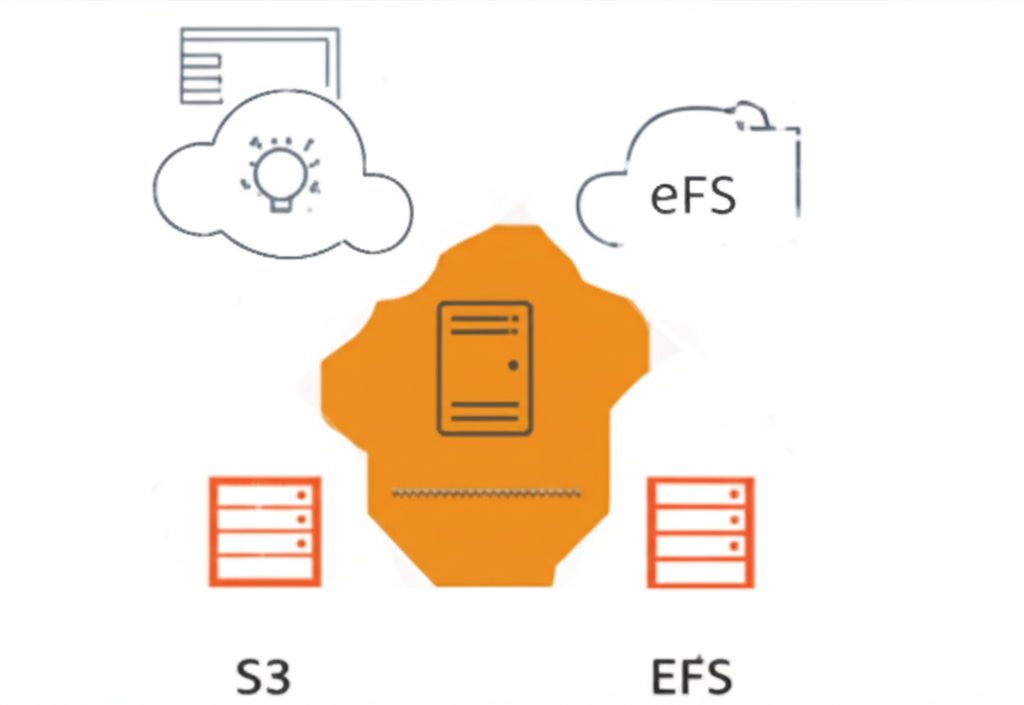
The ‘Golden Ratio’ of AWS Storage: Balancing S3, EBS, and EFS
Choosing the right storage on AWS can feel like navigating a maze. You have several options, each with its own strengths and best uses. It’s not about picking just one; often, the magic happens when you strike the right balance. Think of it as the ‘golden ratio’ of AWS storage, where Amazon S3, Amazon EBS, and Amazon EFS work together harmoniously to meet your needs.
Let’s break down these core storage services in simple terms:
1. Amazon S3: The Object Storage Powerhouse
Imagine a giant digital warehouse where you can store almost anything – documents, photos, videos, backups, you name it. That’s essentially what Amazon Simple Storage Service (S3) is.
- Think of it as: Your central storage for unstructured data.
- Key features:
- Scalability: It can hold a virtually unlimited amount of data.
- Durability & Availability: Your data is stored across multiple devices and facilities, making it highly unlikely to be lost.
- Cost-effective for large amounts of data: You pay only for what you use.
- Access from anywhere: Data can be accessed over the internet.
- Best uses:
- Storing website files (images, CSS, JavaScript).
- Backups and disaster recovery.
- Data lakes for analytics.
- Content delivery (hosting videos, music).
In simple terms: S3 is your go-to for large, less frequently accessed data that needs to be highly available and durable.
2. Amazon EBS: The Virtual Hard Drive
When you launch an Amazon EC2 instance (a virtual server), it needs a place to store its operating system, applications, and data that needs fast, consistent access. That’s where Amazon Elastic Block Store (EBS) comes in.
- Think of it as: A virtual hard drive that you attach to your EC2 instance.
- Key features:
- Block-level storage: Data is stored in blocks, allowing for fast and random access.
- Performance options: You can choose different EBS volume types optimized for performance (like SSDs) or cost-effectiveness (like hard drives).
- Snapshots: You can create point-in-time backups of your volumes.
- Persistence: Data on an EBS volume persists even when the associated EC2 instance is stopped (if configured correctly).
- Best uses:
- Primary storage for EC2 instances (boot volumes).
- Databases that require consistent performance.
- File systems that need block-level access.
In simple terms: EBS provides the fast, reliable storage your virtual servers need to run smoothly.
3. Amazon EFS: The Shared Network File System
Imagine needing to share files between multiple EC2 instances seamlessly, like a shared drive on a local network. That’s what Amazon Elastic File System (EFS) provides in the cloud.
- Think of it as: A network-attached storage (NAS) for your AWS environment.
- Key features:
- Shared access: Multiple EC2 instances can read and write to the same file system simultaneously.
- Scalability: EFS automatically scales its storage capacity up or down as needed.
- Elastic performance: Performance scales with the amount of data stored.
- POSIX compliance: Works like a traditional file system, making it compatible with many applications.
- Best uses:
- Web servers that need to share content.
- Content management systems.
- Shared development environments.
- Big data analytics workloads.
In simple terms: EFS allows you to easily share files across multiple virtual servers.
Finding Your Balance: The ‘Golden Ratio’ in Practice
The ‘golden ratio’ isn’t a fixed formula, but rather an understanding of how these services complement each other. Here are some common scenarios:
- Web Application: You might use S3 to store static assets (images, CSS, JS), EBS for your web server’s operating system and application code, and EFS if you have multiple web servers that need to share uploaded files.
- Database: You’ll likely use EBS for the database storage to ensure high performance and low latency. You might also use S3 for backups of your database.
- Big Data Analytics: You could store raw data in S3 (as a data lake), use EBS for the processing instances, and potentially EFS for shared configuration or intermediate results.
Key Takeaway:
The power of AWS storage lies in using the right service for the right job and understanding how they can work together. By considering your data access patterns, performance requirements, scalability needs, and cost constraints, you can find your own ‘golden ratio’ of S3, EBS, and EFS to build efficient and robust cloud solutions. Don’t be afraid to mix and match these services to create the optimal storage architecture for your specific use case.