Imagine your house with all its valuable belongings. Now, picture leaving the front door wide open, all day and night, for anyone to walk in. That’s essentially what you’re doing when you put your databases in a public subnet on AWS. While it might seem convenient initially, it’s a huge security risk that you need to address immediately.
What’s a Public Subnet Anyway?
In simple terms, a public subnet in your Amazon Virtual Private Cloud (VPC) is a part of your network that has a direct route to the internet. Resources within a public subnet can communicate directly with the outside world. This is fine for things like web servers that need to be accessible publicly.
Why Databases in Public Subnets are a Terrible Idea:
The core reason boils down to security. Here’s a breakdown of the risks:
- Direct Exposure to the Internet: Placing your database in a public subnet means it’s directly reachable from anywhere on the internet. This makes it a prime target for malicious actors.
- Increased Attack Surface: With direct internet access, your database becomes vulnerable to a wide range of attacks, including:
- Brute-force attacks: Attackers can try to guess your database credentials.
- SQL injection: If your application has vulnerabilities, attackers can potentially execute malicious SQL code on your database.
- Denial-of-service (DoS) attacks: Attackers can flood your database with requests, making it unavailable.
- Accidental Exposure of Sensitive Data: Even with strong security measures in place, misconfigurations can accidentally expose sensitive data stored in your database to the public internet.
- Compliance Issues: Many regulatory compliance frameworks (like GDPR, HIPAA, PCI DSS) have strict requirements for protecting sensitive data. Storing databases in public subnets can make it significantly harder, if not impossible, to meet these requirements.
The Safe Way: Private Subnets
The solution is straightforward: always place your databases in private subnets.
- What are Private Subnets? Private subnets don’t have a direct route to the internet. Resources in a private subnet can only communicate with the outside world through specific mechanisms, such as a Network Address Translation (NAT) Gateway or instance.
- How it Improves Security: By placing your database in a private subnet, you significantly reduce its attack surface. It’s no longer directly reachable from the internet. Only resources within your VPC (or those specifically granted access) can communicate with it.
How to Access Your Database in a Private Subnet:
You might be wondering how your application servers, which might reside in public subnets (or even other private subnets), can access your database in a private subnet. Here are the common methods:
- Within the Same VPC: Resources in different subnets within the same VPC can communicate with each other using private IP addresses. AWS handles the routing internally. You’ll typically configure your application servers to connect to the database using its private IP address.
- Across VPCs (VPC Peering or Transit Gateway): If your application and database reside in different VPCs, you can establish private connectivity using VPC Peering or AWS Transit Gateway.
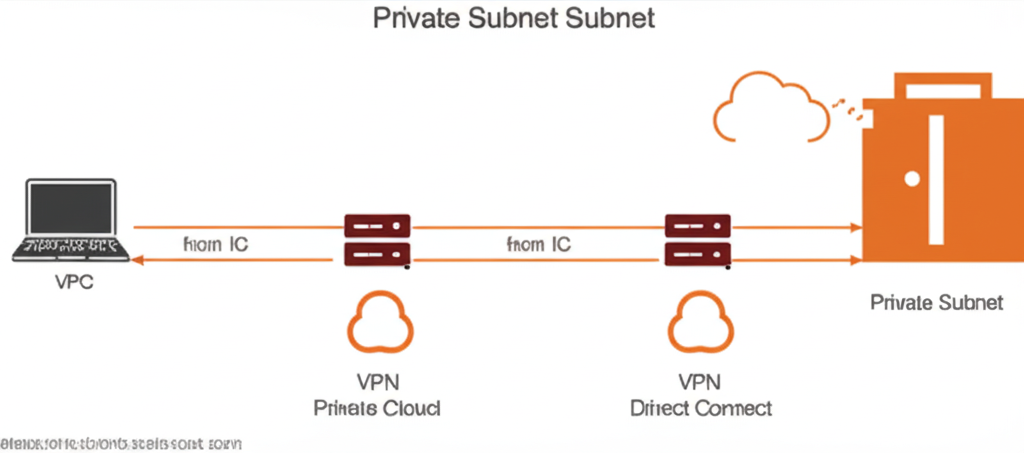
- VPN or Direct Connect: For on-premises access to your database in a private subnet, you can use AWS VPN or AWS Direct Connect.
Take Action Now!
If you’re currently running databases in public subnets, it’s crucial to migrate them to private subnets as soon as possible. This seemingly simple change is one of the most effective ways to significantly improve the security posture of your AWS environment. Don’t leave your “front door” wide open – protect your valuable data by placing your databases where they belong: in private subnets.
Let’s visualize this: