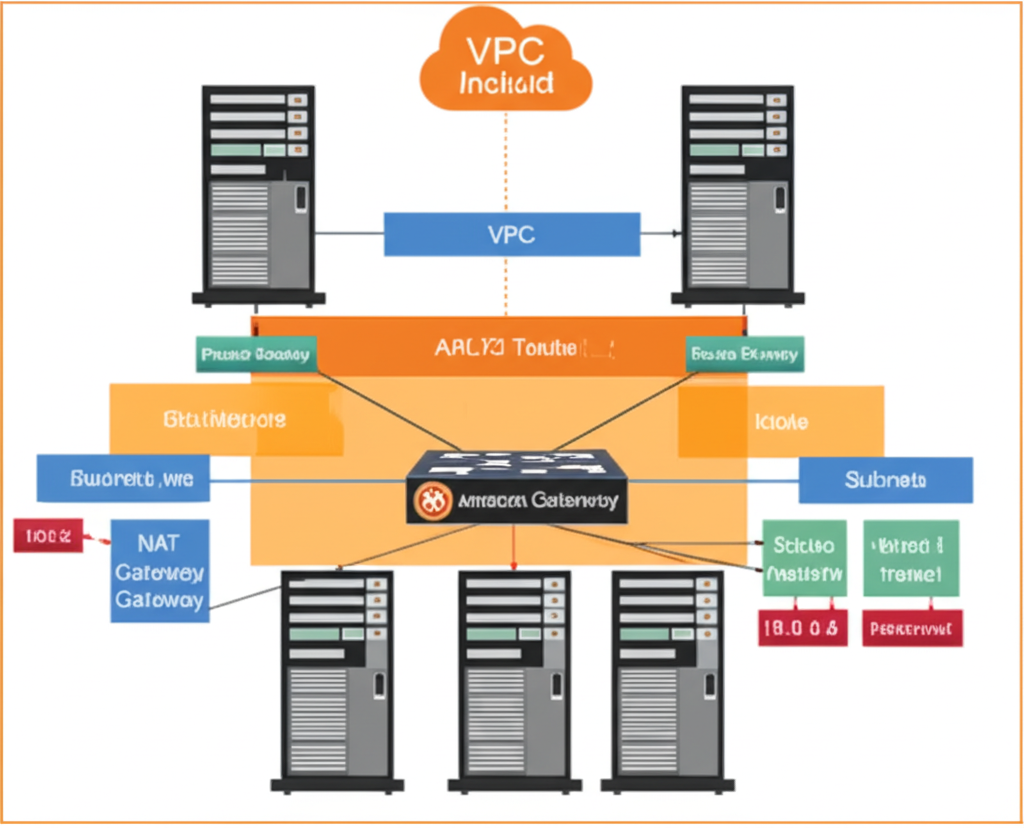
Okay, I will write a detailed and easy-to-understand blog post about the anatomy of an AWS VPC and generate a realistic image representing this topic.
Blog Post: The Anatomy of an AWS VPC: Building Your Own Private Corner of the Cloud
Imagine you’re building a new office. You wouldn’t just set up shop in the middle of a busy public street, right? You’d want your own private space with walls, doors, and the ability to control who comes in and out.
That’s essentially what an Amazon Web Services (AWS) Virtual Private Cloud (VPC) is for your cloud resources. It allows you to create your own isolated section within the AWS cloud, giving you control over your virtual networking environment. Think of it as your private corner in the vast AWS landscape.
Why Do You Need a VPC?
When you launch resources in AWS (like virtual servers called EC2 instances or databases with RDS), they need a network to communicate. A VPC provides this network, and it offers several key benefits:
- Isolation: Your resources are logically isolated from other AWS customers. This means your network traffic and resources are kept separate and secure.
- Control: You have complete control over your virtual networking environment, including:
- Choosing your own IP address ranges.
- Creating subnets (dividing your VPC into smaller networks).
- Configuring route tables (defining how network traffic flows).
- Setting up network gateways (connecting your VPC to the internet or other networks).
- Implementing security rules (controlling inbound and outbound traffic).
- Security: VPCs allow you to implement robust security measures to protect your resources.
The Key Components of a VPC
Let’s break down the essential building blocks of an AWS VPC:
- VPC Itself: This is the foundational block – your isolated virtual network in the AWS cloud. When you create a VPC, you specify a range of private IP addresses (in CIDR block notation, like 10.0.0.0/16). This range can be as small or as large as you need.
-
Subnets: Subnets are subdivisions of your VPC. You can divide your VPC’s IP address range into one or more subnets based on your needs (e.g., public-facing web servers in one subnet and private database servers in another). When you create a subnet, you associate it with a specific Availability Zone (a physically distinct and isolated infrastructure within an AWS Region).
-
Availability Zones (AZs): These are geographically isolated data centers within an AWS Region. Distributing your subnets across multiple AZs increases the availability and fault tolerance of your applications. If one AZ experiences an issue, your resources in other AZs can continue to run.
-
Route Tables: Route tables contain a set of rules, called routes, that determine where network traffic from your subnets or gateways is directed. Each subnet must be associated with a route table. You can customize route tables to control the flow of traffic within your VPC and to external networks.
-
Internet Gateway (IGW): This is a horizontally scaled, redundant, and highly available VPC component that allows communication between instances in your VPC and the internet. To enable public access to instances in a subnet (making them reachable from the internet), you need to attach an Internet Gateway to your VPC and configure a route in your subnet’s route table to send internet-bound traffic to the IGW.
-
NAT Gateway: Network Address Translation (NAT) allows instances in a private subnet (without public IP addresses) to connect to the internet or other AWS services, but prevents the internet from initiating connections with those instances. This is useful for allowing your backend servers to download updates without being directly exposed to the internet.
-
Security Groups: These act as virtual firewalls at the instance level. You can define inbound and outbound rules to control the traffic that is allowed to and from your EC2 instances (or other resources). Security groups are stateful, meaning if you allow inbound traffic on a certain port, the response traffic will automatically be allowed back.
-
Network ACLs (NACLs): Network Access Control Lists act as virtual firewalls at the subnet level. They provide stateless inbound and outbound traffic filtering for subnets. NACLs are evaluated before traffic reaches your instances.
Putting It All Together
Imagine you have a VPC with the IP range 10.0.0.0/16. You could create two subnets:
- Public Subnet (in Availability Zone A): 10.0.1.0/24. This subnet would have a route to an Internet Gateway, allowing instances in this subnet to communicate with the internet. You might place your web servers here.
- Private Subnet (in Availability Zone B): 10.0.2.0/24. This subnet would not have a direct route to the Internet Gateway. Instead, it might use a NAT Gateway to access the internet for updates. You might place your database servers here.
You would then use Security Groups to control the traffic to your individual web and database servers (e.g., allowing HTTP/HTTPS traffic to your web servers and only allowing database traffic from your web servers to your database servers). Network ACLs could provide an additional layer of security at the subnet level.
Conclusion
Understanding the anatomy of an AWS VPC is fundamental to building secure and scalable applications in the cloud. By grasping the concepts of VPCs, subnets, route tables, and security components, you gain the power to design and manage your own private and controlled network environment within the vast AWS infrastructure. It’s your dedicated space to innovate and grow in the cloud.