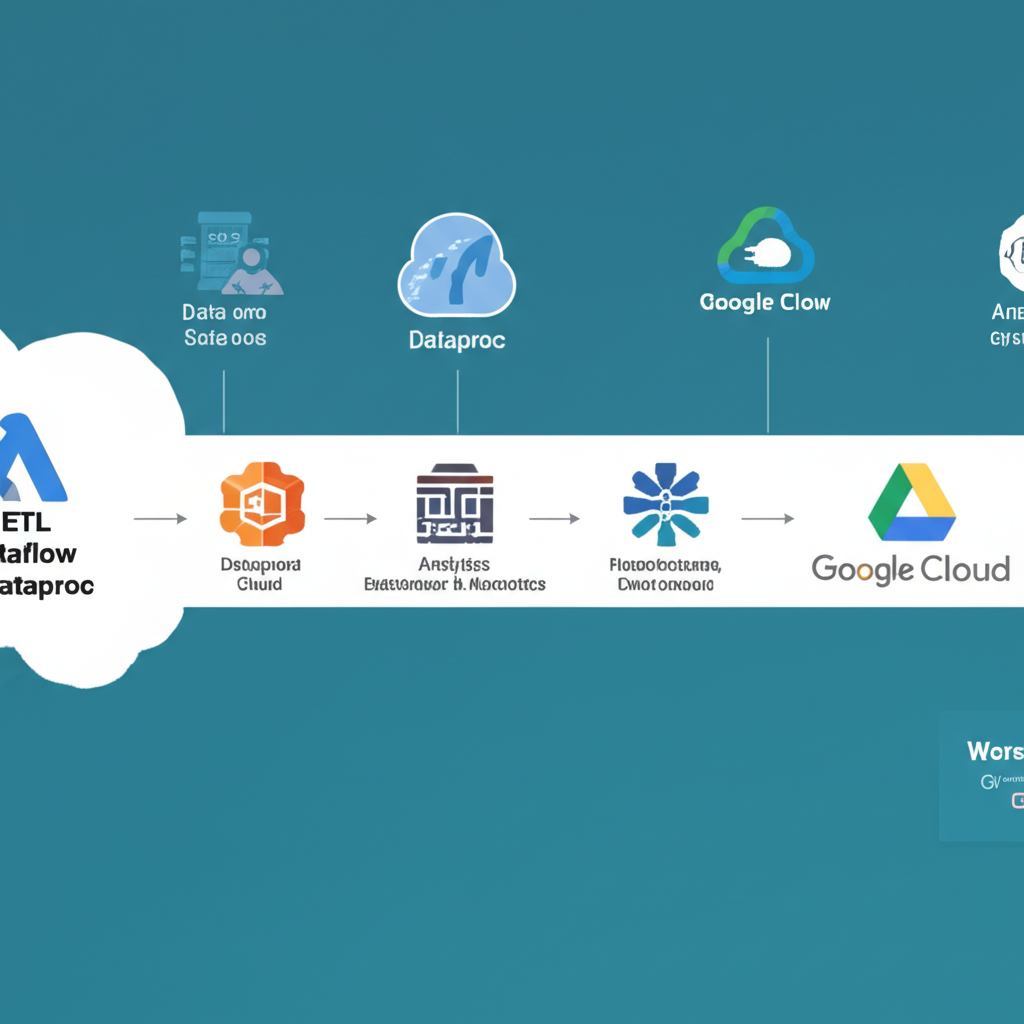
Level Up Your Data Game: ETL Pipelines with Dataflow and Dataproc on GCP
So, you’re dealing with data. Lots of it. And you need to get it from point A to point B, maybe transforming it along the way. That’s where ETL comes in. ETL stands for Extract, Transform, Load, and it’s the backbone of data warehousing and analytics.
In this post, we’ll explore how to build powerful and scalable ETL pipelines on Google Cloud Platform (GCP) using two key services: Dataflow and Dataproc. We’ll keep things simple and focus on practical examples to get you started.
What is ETL and Why Do I Need It?
Think of ETL like this:
- Extract: Imagine sucking data from various sources like databases, files, or APIs. This is the ‘E’ step.
- Transform: This is where the magic happens. You clean, filter, enrich, and shape the data to make it usable for analysis. This is the ‘T’ step.
- Load: Finally, you load the transformed data into a destination, like a data warehouse (e.g., BigQuery) or a data lake, where it can be queried and analyzed. This is the ‘L’ step.
Why use Dataflow and Dataproc on GCP?
GCP offers robust and scalable solutions for handling ETL workloads. Here’s why Dataflow and Dataproc are excellent choices:
- Dataflow: Perfect for parallel data processing. It’s a fully managed, serverless service that excels at transforming large datasets. It’s great for stream and batch processing, and it’s built on Apache Beam, which means you can write your pipeline once and run it on different execution environments.
- Dataproc: Ideal for running Hadoop, Spark, and other big data processing frameworks. It’s a managed Hadoop and Spark service that lets you spin up clusters quickly and easily. It’s a good fit when you need the power and flexibility of the Hadoop ecosystem.
Choosing Between Dataflow and Dataproc
Here’s a simplified guideline to help you choose:
| Feature | Dataflow | Dataproc |
|---|---|---|
| Processing Type | Streaming and Batch | Batch (primarily) |
| Framework | Apache Beam | Hadoop, Spark, Flink, etc. |
| Management | Fully managed, serverless | Managed clusters, requires some maintenance |
| Use Case | Real-time data processing, complex transforms | Large-scale batch processing, machine learning |
| Skillset | Python/Java (Apache Beam) | Java/Scala/Python (Spark), Hadoop |
A Simple ETL Pipeline Example (Dataflow)
Let’s walk through a basic example of a Dataflow pipeline. We’ll use Python and the Apache Beam SDK to:
- Extract: Read data from a text file on Google Cloud Storage (GCS).
- Transform: Convert each line to uppercase.
- Load: Write the transformed data to another text file on GCS.
Prerequisites:
- A Google Cloud project with billing enabled.
- The Cloud SDK installed and configured.
- Python 3 installed.
- Apache Beam SDK installed:
pip install apache-beam[gcp]
Code Example:
import apache_beam as beam
from apache_beam.options.pipeline_options import PipelineOptions

def to_uppercase(element):
  """Converts a string to uppercase."""
  return element.upper()

def run(input_file, output_file):
  """Creates and runs the Dataflow pipeline."""
  pipeline_options = PipelineOptions()  # You can add specific options here, like the region.
  with beam.Pipeline(options=pipeline_options) as pipeline:
    # 1. Extract: Read data from GCS
    lines = pipeline | "ReadFromGCS" >> beam.io.ReadFromText(input_file)

    # 2. Transform: Convert to uppercase
    uppercase_lines = lines | "ConvertToUppercase" >> beam.Map(to_uppercase)

    # 3. Load: Write to GCS
    uppercase_lines | "WriteToGCS" >> beam.io.WriteToText(output_file)

if __name__ == "__main__":
  # Replace with your GCS input and output paths
  input_gcs_path = "gs://your-bucket/input.txt"
  output_gcs_path = "gs://your-bucket/output.txt"
  run(input_gcs_path, output_gcs_path)
Explanation:
import apache_beam as beam: Imports the Apache Beam library.to_uppercase(element): A simple function that converts a string to uppercase.beam.io.ReadFromText(input_file): Reads data from the specified GCS file.beam.Map(to_uppercase): Applies theto_uppercasefunction to each element in the pipeline.beam.io.WriteToText(output_file): Writes the transformed data to the specified GCS file.
To run this pipeline:
- Replace placeholders: Update
input_gcs_pathandoutput_gcs_pathwith your actual GCS paths. Make sure theinput.txtfile exists in your bucket. - Run the script: Execute the Python script from your terminal:
python your_script_name.py --runner DataflowRunner --project your-gcp-project-id --region your-gcp-region
Key parameters to pass when running:
--runner DataflowRunner: Specifies that you want to run the pipeline on Dataflow.--project your-gcp-project-id: Replace with your GCP project ID.--region your-gcp-region: Replace with the GCP region where you want to run the pipeline (e.g.,us-central1).
A Simple ETL Pipeline Example (Dataproc)
For Dataproc, let’s use a simple PySpark script to achieve a similar ETL process: reading, transforming (uppercasing), and writing data.
Prerequisites:
- A Google Cloud project with billing enabled.
- The Cloud SDK installed and configured.
- A Dataproc cluster. You can create one through the GCP console or using the
gcloudcommand. Make sure Spark is installed on the cluster.
Code Example (PySpark):
from pyspark.sql import SparkSession

# Replace with your GCS input and output paths
INPUT_PATH = "gs://your-bucket/input.txt"
OUTPUT_PATH = "gs://your-bucket/output.txt"

# Create a SparkSession
spark = SparkSession.builder.appName("SimpleETL").getOrCreate()

# Read data from GCS
df = spark.read.text(INPUT_PATH)

# Transform: Convert to uppercase using a UDF
def uppercase_row(row):
    return row[0].upper()

from pyspark.sql.functions import udf
from pyspark.sql.types import StringType

uppercase_udf = udf(uppercase_row, StringType())

df_uppercase = df.withColumn("uppercase_value", uppercase_udf(df.value))

# Load: Write to GCS
df_uppercase.select("uppercase_value").write.text(OUTPUT_PATH)

spark.stop()
Explanation:
from pyspark.sql import SparkSession: Imports the SparkSession class.spark = SparkSession.builder.appName("SimpleETL").getOrCreate(): Creates a SparkSession, which is the entry point to Spark functionality.df = spark.read.text(INPUT_PATH): Reads data from the specified GCS file into a DataFrame.uppercase_row(row): A function to convert a string to uppercase (used as a User-Defined Function or UDF).uppercase_udf = udf(uppercase_row, StringType()): Registers theuppercase_rowfunction as a UDF, so it can be used in Spark SQL.df_uppercase = df.withColumn("uppercase_value", uppercase_udf(df.value)): Applies the UDF to thevaluecolumn of the DataFrame and creates a new column nameduppercase_value.df_uppercase.select("uppercase_value").write.text(OUTPUT_PATH): Writes theuppercase_valuecolumn to the specified GCS path.
To run this script on Dataproc:
- Upload the script: Upload the PySpark script to your Dataproc cluster (e.g., using
gcloud compute scp). - Submit the job: Use the
gcloud dataproc jobs submit pysparkcommand to submit the job to your Dataproc cluster. For example:gcloud dataproc jobs submit pyspark your_script_name.py \ --cluster your-cluster-name \ --region your-gcp-region
Where to Go From Here:
This is just a basic introduction. You can expand on these examples in many ways:
- More complex transformations: Explore more advanced transformations using Apache Beam or Spark (e.g., data cleaning, aggregations, joins).
- Different data sources: Read data from databases, APIs, and other sources.
- Different data sinks: Load data into BigQuery, Cloud SQL, or other data storage services.
- Error handling and logging: Implement robust error handling and logging mechanisms.
- Scheduling: Use Cloud Composer or Cloud Scheduler to schedule your ETL pipelines.
- Monitoring: Monitor your pipelines using Cloud Monitoring and Cloud Logging.
Key Takeaways:
- ETL is essential for preparing data for analysis.
- Dataflow and Dataproc offer powerful and scalable solutions for building ETL pipelines on GCP.
- Choose Dataflow for fully managed parallel processing and streaming data.
- Choose Dataproc when you need the power and flexibility of the Hadoop ecosystem.
- Start small, experiment, and gradually add complexity to your pipelines.
By leveraging Dataflow and Dataproc, you can build robust ETL pipelines to unlock the value of your data and drive better business decisions. Happy data crunching!