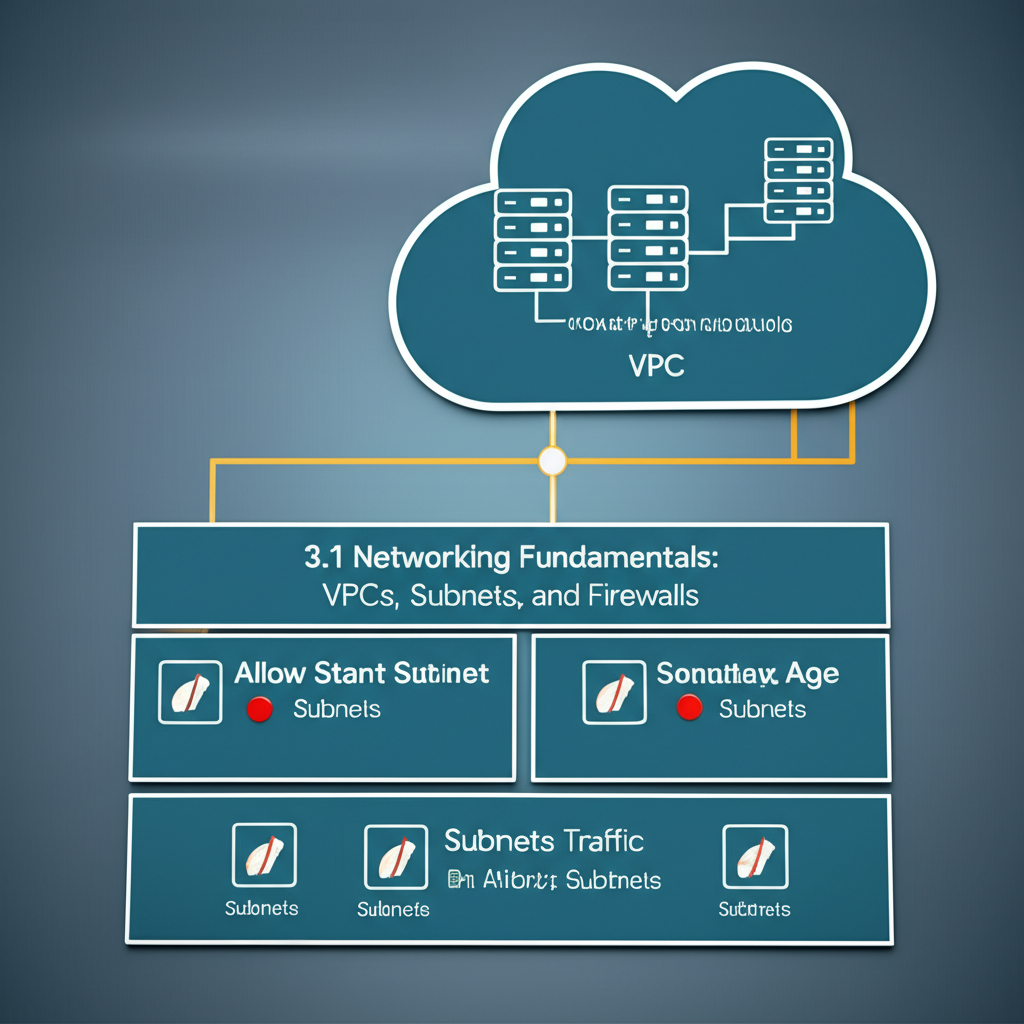
Demystifying Google Cloud Networking: VPCs, Subnets, and Firewalls for Everyone
Navigating the world of cloud computing can feel like learning a whole new language. One of the foundational concepts to grasp in Google Cloud Platform (GCP) is networking. Specifically, understanding VPCs (Virtual Private Clouds), Subnets, and Firewalls is crucial for deploying and securing your applications. Don’t worry, it’s not as complicated as it sounds! Let’s break it down.
Think of it like building a house:
Imagine building a house. To do so, you need land, internal rooms, and a way to control who comes in and out. In GCP, VPCs, Subnets, and Firewalls serve similar roles:
- VPC (Virtual Private Cloud): The Land
- Subnets: The Rooms
- Firewalls: The Doors and Security System
1. VPC: Your Private Network in the Cloud
A VPC is your isolated, private network within Google Cloud. Think of it as your own private slice of the internet within GCP. It provides a logically isolated network space where you can launch your Google Cloud resources, like virtual machines (Compute Engine instances), databases, and load balancers.
Key things to know about VPCs:
- Global: A VPC is a global resource. This means it spans across multiple regions in GCP. You define the VPC configuration once, and it applies globally.
- Private by Default: Resources within a VPC can communicate with each other privately using internal IP addresses. They are not automatically accessible from the public internet.
- Isolated: Your VPC is completely isolated from other GCP users’ networks, ensuring security and privacy.
- Configurable: You control the IP address ranges, routing, and security rules within your VPC.
Think of it like this: You get a large plot of land (your VPC) in the cloud where you can build anything you want, without worrying about your neighbor (another GCP user) interfering.
2. Subnets: Organizing Your Resources within the VPC
Within your VPC, you need to organize your resources. This is where Subnets come in. Subnets are subdivisions of your VPC, representing a logical grouping of resources within a specific geographic region.
Key things to know about Subnets:
- Regional: Unlike VPCs, Subnets are regional. This means they exist within a specific GCP region, like
us-central1oreurope-west1. - IP Address Ranges: Each subnet is assigned a specific range of IP addresses (e.g., 10.0.1.0/24). Resources within that subnet will receive an IP address from that range.
- Organization: Subnets help you organize your resources based on their function or location. For example, you might have one subnet for your web servers, another for your database servers, and a third for your internal tools, all within the same VPC but in different regions for better resilience.
- Communication: Resources within the same subnet can communicate with each other directly. Resources in different subnets within the same VPC can also communicate, usually without needing special configuration (unless restricted by firewall rules – more on that later!).
Back to our house analogy: You divide your land (VPC) into rooms (Subnets) like the kitchen, living room, and bedrooms. Each room has a specific purpose and its own area.
3. Firewalls: Your Security Guard
Now that you have your network and subnets in place, you need to control who can access your resources. This is where Firewalls come in. Firewalls control network traffic into and out of your VPC.
Key things to know about Firewalls:
- Rules: Firewalls are based on rules that define which traffic is allowed or denied. These rules are based on factors like:
- Source IP address: Where the traffic is coming from.
- Destination IP address: Where the traffic is going.
- Protocol: The type of traffic (e.g., TCP, UDP, ICMP).
- Port: The specific port number used for communication (e.g., 80 for HTTP, 443 for HTTPS).
- Ingress and Egress: Firewall rules can be configured for:
- Ingress (incoming) traffic: Traffic coming into your VPC from the outside world.
- Egress (outgoing) traffic: Traffic leaving your VPC to the outside world.
- Default Rules: GCP provides some default firewall rules, but it’s crucial to configure your own rules to ensure proper security.
- Tags and Service Accounts: You can apply firewall rules to specific resources (like VMs) based on tags or service accounts, making them highly targeted.
Back to the house: The firewall is like your front door and security system. You decide who has a key (allowed to enter) and who doesn’t. You might allow delivery people (specific IP address ranges) to access the front door (port 80/443) but restrict access to your valuables (database on a specific port).
Putting it All Together: A Simple Example
Let’s say you want to host a website on Google Cloud. Here’s how VPCs, Subnets, and Firewalls would work together:
- Create a VPC: You create a VPC called
my-website-vpc. - Create a Subnet: You create a subnet within
my-website-vpccalledweb-server-subnetin theus-central1region with the IP address range10.0.1.0/24. - Launch a Web Server: You launch a Compute Engine instance (your web server) within
web-server-subnet. It gets an IP address from the10.0.1.0/24range, for example,10.0.1.10. - Configure Firewalls: You create firewall rules:
- Ingress rule: Allow traffic on port 80 (HTTP) and 443 (HTTPS) from anywhere (
0.0.0.0/0) to10.0.1.10. This allows users on the internet to access your website. - Egress rule: Allow all outbound traffic from the web server (so it can download updates, etc.).
- Ingress rule: Allow traffic on port 80 (HTTP) and 443 (HTTPS) from anywhere (
Key Takeaways
- VPCs provide a private network.
- Subnets organize resources within a VPC by region.
- Firewalls control network traffic based on rules.
Understanding these three components is essential for building secure and scalable applications on Google Cloud. Experiment with creating VPCs, Subnets, and Firewalls in your own GCP account to get a hands-on feel for how they work. Google Cloud’s documentation is also a fantastic resource for deeper dives into specific features and configurations. Happy clouding!