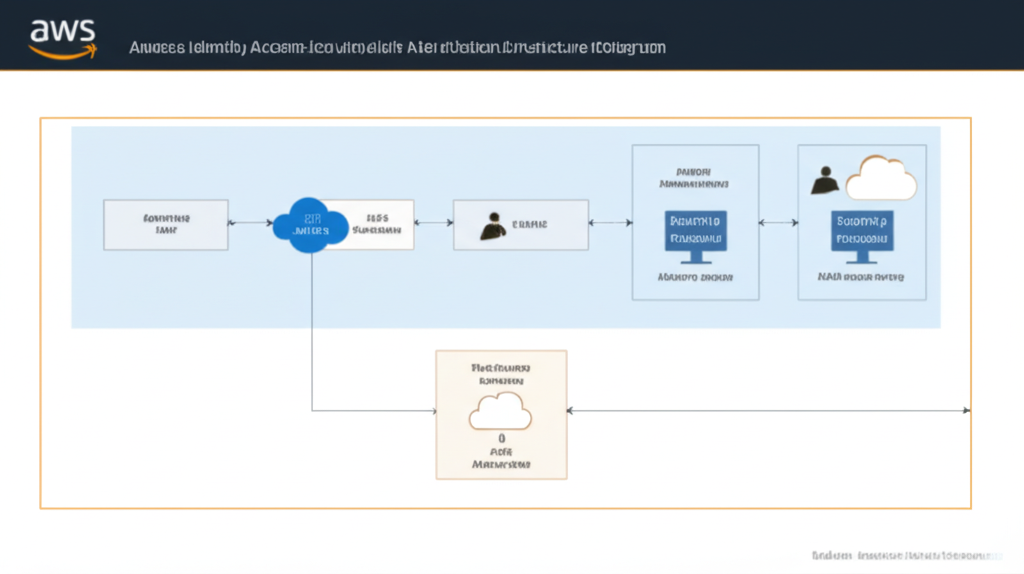
Implementing Identity Federation for Unified Access Management on AWS
In today’s complex IT landscapes, managing multiple identities across various systems can become a significant headache. Users often need to access resources in different environments, leading to fragmented identity management, increased administrative overhead, and potential security vulnerabilities. AWS offers a powerful solution to this challenge: Identity Federation.
Identity Federation in AWS enables you to grant external users – those whose identities are managed outside of AWS (e.g., in your corporate directory, a third-party identity provider, or even a social media login) – secure access to your AWS resources without needing to create individual IAM users for each of them. This provides a unified and streamlined approach to access management.
Think of it like this: Imagine you have a gym membership card. Instead of needing separate keys for the locker room, the weights area, and the swimming pool, your single membership card (your federated identity) grants you access to all authorized areas (your AWS resources). The gym (AWS) trusts the membership issuing authority (your identity provider) to have properly vetted you.
Why Implement Identity Federation?
- Simplified User Management: Eliminate the need to create and manage separate IAM users for external identities, reducing administrative burden.
- Enhanced Security: Leverage your existing security policies and authentication mechanisms from your identity provider. You centrally manage user credentials and access controls.
- Improved User Experience: Users can utilize their existing credentials to access AWS resources, leading to a seamless and familiar login experience.
- Cost Optimization: Reduce the overhead associated with managing numerous IAM users.
- Compliance and Governance: Maintain better control and visibility over who is accessing your AWS environment.
Key Concepts in AWS Identity Federation:
- Identity Provider (IdP): The system that manages and authenticates user identities. This could be:
- SAML 2.0 IdP: Like Active Directory Federation Services (AD FS), Okta, or Azure AD.
- OpenID Connect (OIDC) IdP: Commonly used for web-based applications and can include services like Google, Facebook, or Auth0.
- Custom Identity Broker: An application you build to mediate between your identity system and AWS.
- AWS Security Token Service (STS): A web service that enables you to request temporary, limited-privilege credentials for IAM users or for federated users. When a federated user authenticates with the IdP, the IdP provides an assertion (a digitally signed document containing information about the user). This assertion is then exchanged with AWS STS for temporary security credentials.
- IAM Roles: You define IAM roles with specific permissions that the federated users will assume. These roles dictate what actions the federated users are allowed to perform within your AWS account.
- Trust Policy: An IAM role has a trust policy that specifies which IdP(s) are trusted to authenticate users who can then assume that role.
Practical Examples and Use-Cases:
- Corporate Employees Accessing AWS: Your employees use their existing corporate Active Directory credentials to log in to the AWS Management Console or access AWS resources programmatically. This is typically achieved using SAML 2.0 federation with AD FS or a similar SAML provider.
- External Partners Accessing Specific Resources: You need to grant a business partner limited access to a specific S3 bucket. Instead of creating an IAM user for them, you can federate their identity from their own identity system (if they have one supporting SAML or OIDC) or build a custom identity broker.
- Mobile and Web Application Users: Your application needs to authenticate users who might be using Google, Facebook, or another social identity provider. OIDC federation is the ideal solution here, allowing users to log in with their familiar social media credentials.
Step-by-Step Instructions (Conceptual – SAML 2.0 with an External IdP):
While the exact steps vary depending on your chosen IdP, here’s a general overview of how to set up SAML 2.0-based federation:
- Configure Your Identity Provider:
- Register AWS as a “relying party” or “service provider” in your IdP.
- Download the IdP’s metadata document (contains signing certificates and endpoint information).
- Define attributes (claims) that your IdP will send to AWS (e.g., username, groups).
- Configure AWS:
- Create an IAM SAML Provider: In the IAM console, create a SAML provider and upload the metadata document you obtained from your IdP. This establishes a trust relationship between AWS and your IdP.
- Create IAM Roles for Federation: Define one or more IAM roles that federated users will assume. These roles should have permissions tailored to the specific resources they need to access.
- Define Trust Policies for the Roles: In the trust policy of each federation role, specify the ARN of the SAML provider you created in the previous step and any conditions for assuming the role (e.g., based on SAML attributes).
- Establish the Federation Endpoint: AWS provides a SAML endpoint that your users will be redirected to after authenticating with your IdP.
- User Access Flow:
- A user attempts to access an AWS resource requiring authentication.
- They are redirected to your organization’s IdP.
- The user authenticates with their existing credentials.
- The IdP generates a SAML assertion containing information about the user.
- The user’s browser (or application) sends the SAML assertion to the AWS SAML endpoint.
- AWS STS validates the assertion against the configured SAML provider.
- If valid, STS issues temporary security credentials (access key, secret key, and session token) to the user, based on the IAM role specified in the assertion (or requested by the user).
- The user can now use these temporary credentials to access the authorized AWS resources.
- SAML Federation:

Key Takeaways:
- Identity Federation provides a unified and secure way to manage access to AWS resources for users whose identities are managed outside of AWS.
- It simplifies user management, enhances security, and improves the user experience by leveraging existing identity systems.
- Key components include the Identity Provider (IdP), AWS Security Token Service (STS), IAM Roles, and Trust Policies.
- Practical use-cases span corporate access, partner access, and authentication for web and mobile applications.
- Implementing federation involves configuring both your IdP and AWS, establishing trust, and defining appropriate IAM roles with specific permissions.
By implementing Identity Federation, you can significantly streamline your access management processes, improve your security posture, and provide a more seamless experience for your users interacting with your AWS environment.