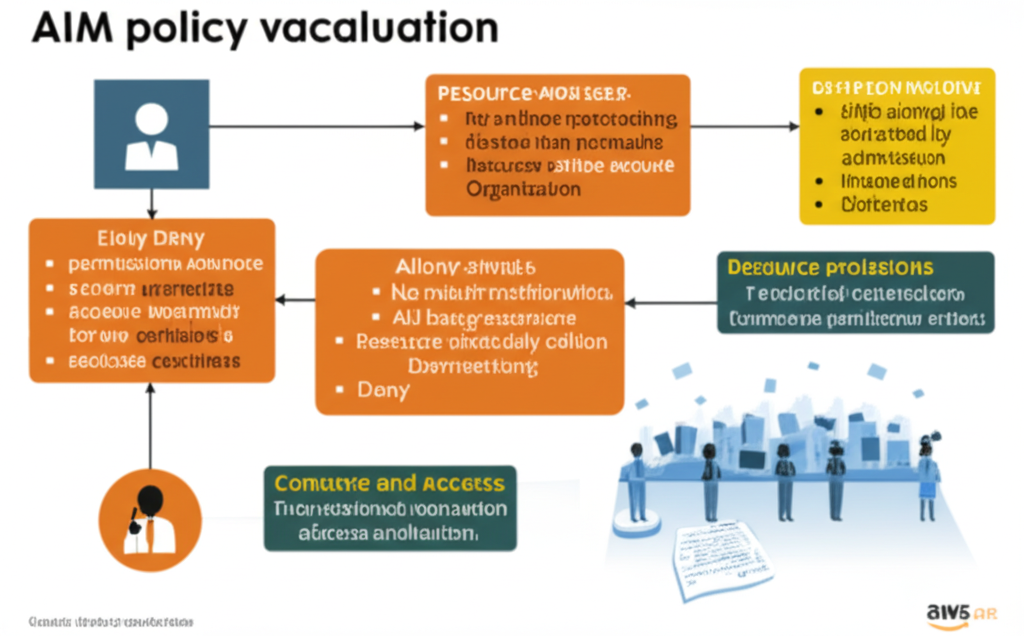
Understanding how AWS Identity and Access Management (IAM) policies are evaluated is crucial for managing access control effectively. When a user, application, or service makes a request to access an AWS resource, IAM meticulously assesses all relevant policies to determine whether the action is allowed or denied. This blog post provides a deep dive into the IAM policy evaluation process and offers practical guidance on troubleshooting access issues.
1. The IAM Policy Evaluation Engine: A Traffic Controller Analogy
Imagine a busy airport traffic controller. Numerous airplanes (requests) are trying to land (access AWS resources). The traffic controller (IAM policy evaluation engine) has a set of rules (IAM policies) to decide which planes are allowed to land on which runways (resources) and under what conditions.
- Principal: The airplane trying to land (the user, role, or service making the request).
- Action: The type of landing being requested (e.g.,
s3:GetObject,ec2:RunInstances). - Resource: The specific runway the airplane wants to land on (the specific S3 bucket, EC2 instance, etc.).
- Condition: Factors like weather, time of day, or pilot qualifications that might affect landing permission (conditions specified in IAM policies).
The traffic controller checks all the rules that apply to the incoming airplane. If at least one rule explicitly allows the landing and no rule explicitly denies it, the airplane is granted permission. If there’s an explicit denial, or no explicit allowance, the landing is denied.
2. The Order of Evaluation: Explicit Deny Wins
IAM evaluates policies in a specific order:
- Explicit Deny: If any applicable policy explicitly denies the action, the request is immediately denied. This overrides any Allow statements. Think of this as a “No Fly Zone” rule that takes absolute precedence.
- Explicit Allow: If no explicit Deny policies apply, IAM then looks for any applicable policy that explicitly allows the action. If at least one Allow policy is found, the request is granted (assuming no explicit Deny was encountered).
- Implicit Deny: If no explicit Allow policies are found, the request is implicitly denied. This is the default behavior. If nothing says “yes,” the answer is “no.”
This order is critical for security. Explicit denials are powerful tools to enforce strict boundaries.
3. Types of Policies Involved
Several types of policies can be in play during an evaluation:
- Identity-based policies: Attached directly to IAM users, groups, or roles. These policies define what actions the identity can perform on which resources.
- Resource-based policies: Attached directly to AWS resources like S3 buckets, SQS queues, or KMS keys. These policies specify who can access the resource and under what conditions.
- Permissions boundaries: Applied to IAM users and roles to set the maximum permissions that the identity can have. Even if an identity-based policy grants a permission, the permissions boundary can restrict it.
- Organizations SCPs (Service Control Policies): Used in AWS Organizations to centrally manage permissions across multiple AWS accounts. SCPs can limit the actions that account administrators can delegate.
- Session policies: Applied to temporary security credentials obtained throughAssumeRole or federation. These policies limit the permissions granted by the temporary credentials.
IAM evaluates all relevant policies of each type to arrive at a final decision.
4. Practical Examples and Use Cases
Example 1: S3 Bucket Access
Imagine a user in the Developers group needs to read objects from the production-data S3 bucket.
- Identity-based policy (attached to the
Developersgroup):Effect: AllowAction: s3:GetObjectResource: arn:aws:s3:::production-data/*
- Resource-based policy (attached to the
production-databucket):Effect: AllowPrincipal: arn:aws:iam::123456789012:role/BackupServiceAction: s3:GetObjectResource: arn:aws:s3:::production-data/*
When a developer tries to get an object, their group policy allows the action. The bucket policy also allows access for a specific backup role. In this scenario, the developer’s request will be allowed.
Example 2: Preventing Accidental Instance Termination
To prevent developers from accidentally terminating production EC2 instances, you can use an explicit Deny policy:
- Identity-based policy (attached to the
Developersgroup):Effect: DenyAction: ec2:TerminateInstancesResource: arn:aws:ec2:*:*:instance/i-prod-*(assuming your production instances have ai-prod-prefix)
Even if another policy attached to the developer grants ec2:*, this explicit Deny policy will override it for production instances.
Use Case: Cross-Account Access
To allow a service in Account B to access resources in Account A, you typically use a resource-based policy in Account A that grants permissions to a principal (IAM role or user) in Account B. You would also need an identity-based policy in Account B that allows the service to assume the role in Account A.
5. Step-by-Step Troubleshooting IAM Access Issues
When a user or application encounters an “Access Denied” error, follow these steps:
- Identify the Principal, Action, and Resource: Determine exactly who or what is trying to do what to which resource. Note down the ARN of the principal and the resource, and the specific AWS API action being attempted.
- Check Identity-Based Policies: Review the policies attached to the user, group(s), and role(s) associated with the principal. Look for any explicit Deny statements that might be blocking the action on the resource. Also, ensure there’s an Allow statement that covers the specific action and resource (or a wildcard
*if appropriate). - Check Resource-Based Policies: If the resource supports resource-based policies (e.g., S3 buckets, KMS keys, SQS queues), examine the policy attached to the resource. Verify if the principal is listed in the
Principalelement and if theActionis allowed for that resource. - Evaluate Permissions Boundaries and SCPs: If the principal is a user or role within an AWS Organization, check if any permissions boundaries are applied to the identity and if any SCPs are in effect on the account or organizational unit. These can restrict the effective permissions.
- Review Session Policies (for Assumed Roles): If the principal is using temporary security credentials obtained by assuming a role, inspect the session policy that was in effect during the
AssumeRolecall. - Use the AWS IAM Policy Simulator: This is an invaluable tool in the AWS Management Console that allows you to simulate policy evaluations for specific users, roles, actions, and resources. It shows which policies are being evaluated and why access is being granted or denied. Link to AWS IAM Policy Simulator Documentation (Navigate to the Policy Simulator section)
- Check AWS CloudTrail Logs: CloudTrail records API calls made in your AWS account. Examine the logs for the “AccessDenied” error event. These logs often provide valuable context, including the exact API call, the principal involved, and the policies being evaluated at the time of the denial.
- Verify Service-Linked Roles: Ensure that any service-linked roles required by the AWS service you are interacting with are present and have the necessary permissions.
- Consider Implicit Denials: Remember that if no explicit Allow policy covers the request, it will be implicitly denied. Ensure that the necessary Allow policies are in place.
6. Key Takeaways
- IAM policy evaluation follows a strict order: Explicit Deny always wins, followed by Explicit Allow, with an Implicit Deny as the default.
- Multiple types of policies (identity-based, resource-based, permissions boundaries, SCPs, session policies) can influence the final access decision.
- Thorough troubleshooting involves examining all relevant policies, utilizing the IAM Policy Simulator, and analyzing CloudTrail logs.
- Understanding the traffic controller analogy can help visualize the role of the IAM policy evaluation engine.
By understanding the intricacies of IAM policy evaluation and employing systematic troubleshooting techniques, you can effectively manage access to your AWS resources and maintain a secure cloud environment.